The Elder Scrolls V: Skyrim — System Requirements#
Skyrim’s hardware demands are minimal: 8 GB of RAM plus entry-level, years-old CPU and GPU parts meet the official minimum, and any mainstream PC in service today runs it smoothly. The game does not support ray tracing, so do not budget GPU money for RT.
The spec tables here follow Bethesda’s official support page verbatim, cross-checked with multiple outlets (checked 2026-10-15); anything the official page does not state is marked as such — no invented benchmark figures.
The Elder Scrolls V: Skyrim’s PC spec sheet comes from Bethesda’s official support page and matches GameSpot, CNET and Tom’s Hardware (all 2016-10-10 reports), PCGamesN (published 2016-10-01, updated 2022-05-12) and PC Guide (2023-04) exactly; as of the check date, the Steam store page for Special Edition still lists the same specs. The official table comes first below, then what each tier actually means and how to tune settings.
What Are Skyrim’s System Requirements?#
Direct answer: the official minimum is 8 GB RAM, an Intel i5-750 or AMD Phenom II X4-945-class CPU, an NVIDIA GTX 470 1GB or AMD HD 7870 2GB-class GPU, and 12 GB of storage; the recommended tier bumps only the CPU and GPU one step, with RAM and storage unchanged.
| Item | Minimum | Recommended |
|---|---|---|
| OS | Windows 7 / 8.1 / 10 (64-bit) | Windows 7 / 8.1 / 10 (64-bit) |
| CPU | Intel i5-750 / AMD Phenom II X4-945 or better | Intel i5-2400 / AMD FX-8320 or better |
| RAM | 8 GB | 8 GB |
| GPU | NVIDIA GTX 470 1GB / AMD HD 7870 2GB or better | NVIDIA GTX 780 3GB / AMD R9 290 4GB or better |
| Storage | 12 GB available space | 12 GB available space |
| Ray tracing | Not listed — the game has no hardware RT support | Same |
Three things to note against this table:
- These tiers are a 12-year-old hardware baseline: both the minimum CPU and GPU are entry-level parts by today’s standards; any mainstream desktop built in the last decade clears them completely. For almost everyone who wants to play, specs will not be the barrier.
- 8 GB RAM is shared by minimum and recommended: Bethesda never raised the RAM figure for the recommended tier, and had not updated this table for Anniversary content as of the check date (the Steam store page still lists the same specs).
- The OS row tops out at Windows 10: Windows 11 is absent from the official list — officially uncharted territory. For launch problems on newer systems, apply general compatibility triage; see Crash & Black Screen Fixes.
One more caution: the official spec page has no DirectX entry. The claim circulating online that “DirectX 11/12 must be installed to launch” is not an official statement and is not adopted here. If a missing runtime component (xinput1_3.dll and the like) blocks launch, install Microsoft’s official runtime installer — do not download individual DLL files from third-party sites.
Do You Need a Ray-Tracing GPU?#
Direct answer: no. The official spec tables (Bethesda support page and Steam store page) contain no RT entry, the game does not support hardware ray tracing, and no GPU budget needs reserving for it.
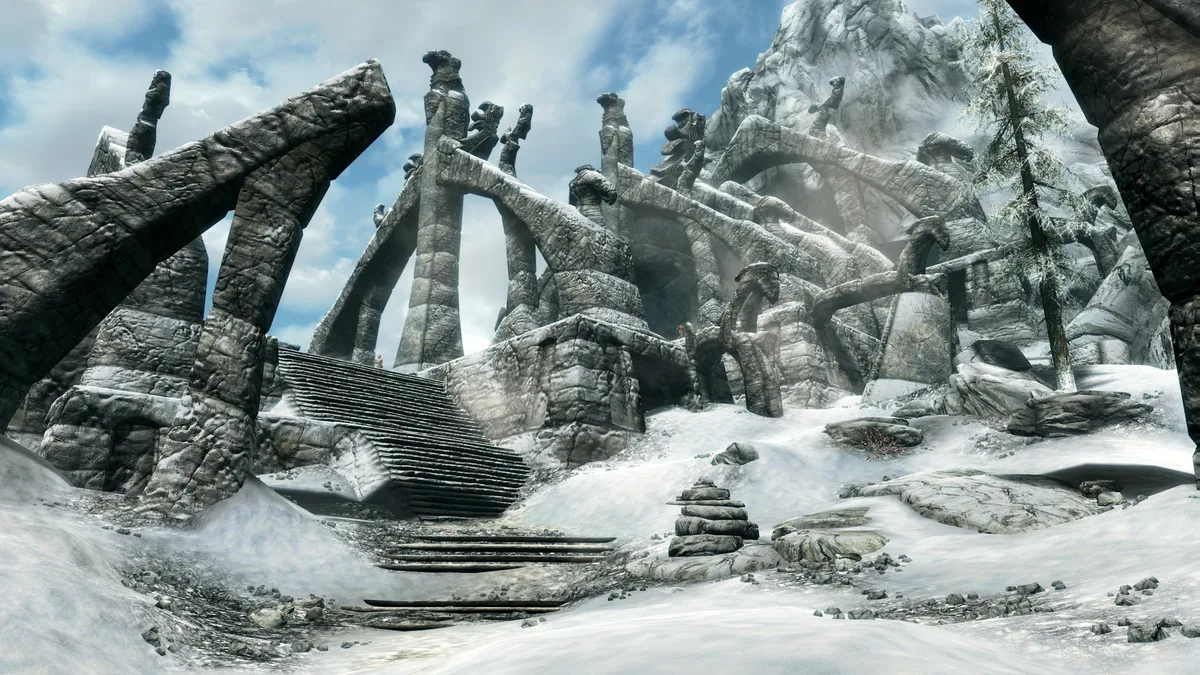
The reason is straightforward: Special Edition is a 2016 Creation Engine remaster whose upgrades concentrate in volumetric lighting, screen-space reflections, dynamic depth of field and new water and snow shaders — all traditional techniques that predate the RT era. An RT-capable GPU gains nothing extra here, and a non-RT card loses nothing; pick a GPU by traditional performance tiers and tune by traditional quality tiers. Every guideline below rests on that premise.
How Do I Know My PC Will Run It Smoothly?#
Direct answer: Bethesda never published PC framerate targets — the spec table only gives hardware tiers. The most reliable test is to launch with default settings and watch the heavy scenes (main-city exteriors, dragon fights), then tune item by item using the cost rules below.
Bethesda has never published “this tier equals this framerate” targets for PC, and the conflicting “measured framerates” online are mostly unreproducible single samples. Rather than memorizing numbers, remember these cost rules:
- Resolution is the first lever: 1080p to 4K is four times the pixels — resolution costs more than any single quality toggle. On a marginal machine, drop resolution first, quality second.
- The remaster’s new features are the first things to lower on weak machines: volumetric lighting, screen-space reflections and dynamic depth of field are per-pixel screen-space effects whose cost scales with resolution; lowering or disabling them usually improves framerate immediately with controlled visual loss.
- View distance and shadows drive the biggest tier gaps: they determine per-frame geometry and sampling volumes, and stepping them down one notch usually beats tweaking texture sharpness.
- Split mods into two types: replacement mods (textures, models) mainly raise VRAM and storage use; script mods affect runtime logic itself — the Anniversary update changed Papyrus script execution speed and broke a batch of timing-dependent follower and animation mods. That failure mode has nothing to do with hardware class; triage lives in Crash & Black Screen Fixes.
- Never judge smoothness indoors: interior load is naturally low. Main-city exteriors, open-field dragon fights and blizzards are the true stress scenes; if those hold up, everyday exploration is safe.
How Do Consoles and Steam Deck Perform?#
Direct answer: Xbox Series X|S is officially rated 4K Ultra HD at 60 fps and above; PS5 media testing measured a stable 4K/60; last-gen PS4 and Xbox One lock 1080p/30, PS4 Pro does native 4K; the Steam Deck has no official spec page.
| Platform | Performance record | Source |
|---|---|---|
| Xbox Series X|S | 4K Ultra HD, 60 fps and above, officially badged “Optimized for Xbox Series X|S” | Xbox store Anniversary page capabilities list (retrieved 2026-10) |
| PS5 | 4K/60, loads in about 6 seconds | Media review measurements (2021-11-24) |
| PS4 / Xbox One | 1080p/30 locked | Digital Foundry analysis, 2016 |
| PS4 Pro | Native 4K | Digital Foundry analysis, 2016 |
Two addenda:
- The 2021 next-gen version has no official performance whitepaper: Bethesda’s launch announcement omitted detailed targets; PS5’s 4K/60 comes from media measurement, not an official promise. The Xbox store’s “60 fps+” badge is currently the only official wording.
- Steam Deck is “playable but not officially endorsed”: Valve has never published a Skyrim spec page; the 2026-08-27 Steam public-branch update reportedly included a Steam Deck crash fix — a single-source claim, for reference only.
How Much Storage Should I Reserve?#
Direct answer: the official figure is 12 GB of available space (identical for minimum and recommended) — that is the base game only. Modders should reserve extra space beyond the 12 GB; Bethesda itself flagged this at launch.
Two tests:
- No official cap exists for mod storage: how much you need equals the sum of each mod page’s stated size — adding up your subscriptions before a bulk install beats any rule of thumb; replacement mods are usually the biggest consumers.
- Storage medium affects loading waits: load times correlate directly with disk throughput (PS5’s measured ~6-second loads are a reference point); there is no official PC load-time figure, so judge HDD vs SSD by your own experience.
What Should I Lower First When It Struggles?#
Direct answer: drop resolution first, then disable volumetric lighting and screen-space reflections, then step down view distance and shadows. Only if the game still struggles after that is a hardware upgrade worth considering.
- Step one: lower resolution — the biggest win; reasoning above.
- Step two: disable the remaster’s new features — volumetric lighting and screen-space reflections first; dynamic depth of field only blurs the out-of-focus plane, so its visual cost is small and can go in the same pass.
- Step three: step down view distance and shadows — one tier at a time from high to low, retesting in an outdoor stress scene after each change; do not slam everything to minimum at once.
- Step four: check background load and drivers — close resource-hungry background apps and update GPU drivers; standard triage.
- Separate “slow” from “crashed”: low framerates are a settings problem; the unmodded base game is very stable, and crashes concentrate in Anniversary-update compatibility and mod conflicts — neither is a hardware issue. Fixes live in Crash & Black Screen Fixes.
Specs Are Fine — Which Edition Should I Buy?#
Direct answer: this spec table matches the Special Edition currently on Steam — new players can buy it outright. The Anniversary Edition only stacks Creation Club packs on top, and fishing plus Survival Mode are free to Special Edition owners anyway.
For edition differences, live prices per channel and purchase timing, see Price & Buying Guide; for the version timeline from original release to the Switch 2 edition, see Version History & Updates. If you plan to mod, Useful Resources collects community tool entry points — and read the crash page’s conflict triage first; it saves most of the pain.
Related Skyrim Guides#
- Crash & Black Screen Fixes — startup crashes, black screens, mod conflicts
- Price & Buying Guide — live prices, historical lows and edition choice
- Version History & Updates — the timeline and content differences to the Switch 2 edition
- Controls & Settings — keyboard, mouse and gamepad bindings, in-game controls
- FAQ — common questions before you start
- Beginner’s Guide — opening route and early planning
- Useful Resources — mod tools and community references