Skyrim Controls and Settings Guide#
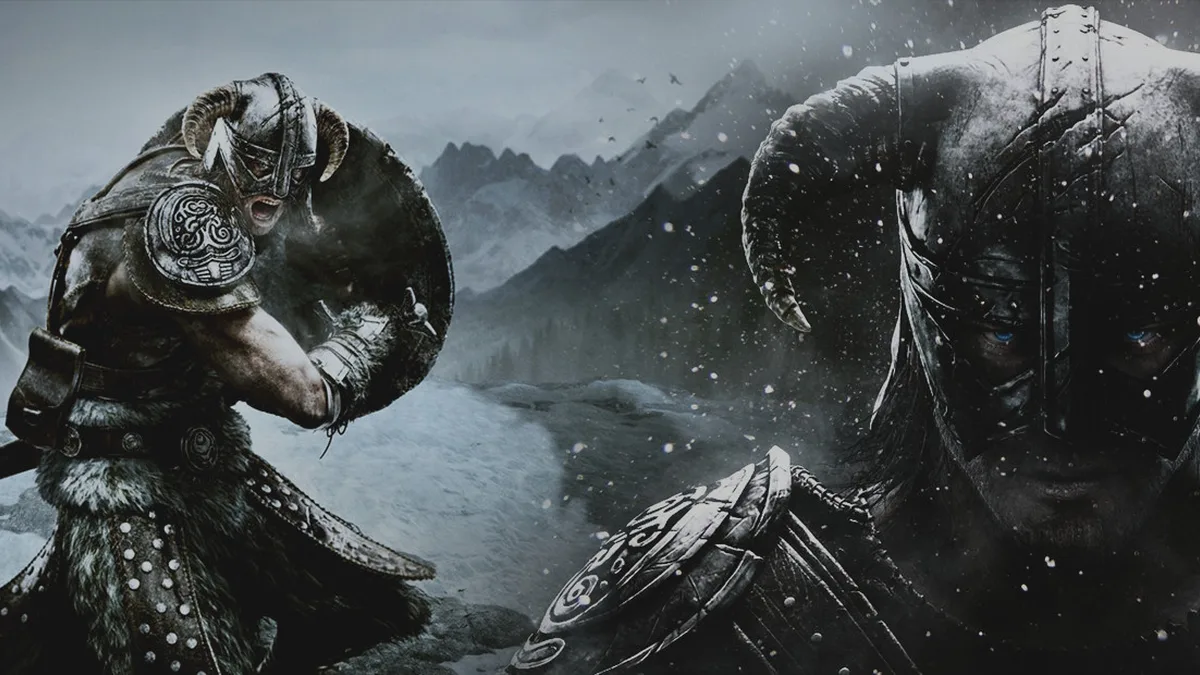
The Elder Scrolls V: Skyrim controls unlike most action games because of one design decision: your left and right hands are separate. Each hand can hold one thing — a weapon, a spell, a shield, or nothing — and the mouse buttons map directly to the two hands. Once that clicks, every other binding falls into place around it. This page covers only the key logic that Skyrim itself dictates, plus its distinctive mechanics.
Default Keyboard and Mouse Bindings#
| Action | Default Key | Notes |
|---|---|---|
| Move | W / A / S / D | Standard movement |
| Look | Mouse | Camera control |
| Jump | Space | Basic jump |
| Sprint | Alt (hold) | Stamina-fueled speed boost; stops when stamina empties |
| Sneak | Ctrl | Toggle sneak/crouch — harder to detect while crouched |
| Interact | E | Talk, loot, open doors, take displayed weapons |
| Right-hand attack | Left mouse button | Uses whatever the right hand holds |
| Left-hand attack / block | Right mouse button | Hold to block when the left hand holds a one-hander or shield |
| Sheathe / draw | F | Stows or draws your equipped weapons |
| Shout | Z | Fires the equipped shout, on cooldown |
| Favorites | Q | Opens the favorites list where hotkeys bind |
| Quick use | Number keys 1–8 | Uses the item bound to that number |
| Menu (pause) | Tab | Opens items/magic/skills/system |
| World map | M | Opens the map, also used for fast travel |
| View toggle | V | Switches first- and third-person |
The Two-Hand System#
Skyrim has no fixed “main hand weapon” concept — that is the key difference from other action games. Combine the hands freely:
| Combination | Right Button Behavior | Playstyle |
|---|---|---|
| Sword right + shield left | Block with shield, bash available | The steadiest sword-and-board, defense-first |
| Weapon right + spell left | Cast with the left hand | Spellsword — output and healing together |
| Weapon left + weapon right (dual wield) | Power attack with the left weapon | Highest burst, almost zero defense |
| Spell right + spell left (same school) | Triggers dual casting | With perks, sharply raises power and magnitude |
Operation notes: the right-hand attack (left button) costs stamina, dual-wield power attacks (right button) cost more, and there is no blocking — you create space with footwork or shouts. Dual casting requires the same school in both hands, held and released together.
Block and Bash Timing#
| Action | Effect | Notes |
|---|---|---|
| Hold right button (shield or one-hander) | Block | Frontal reduction; a drained stamina bar gets your guard broken |
| Left button while blocking | Bash | Interrupts enemy attacks and staggers them |
| Block at the instant of an enemy swing | Timed block | Triggers slow time and a large stagger — a reliable counter window |
| Right button while dual wielding | Dual power attack | Your only offensive option — no defensive fallback |
Bash and timed-block payoff scales with the Block tree: perks like Shield Wall lower block cost and strengthen bashes, improving your ability to interrupt heavy-armor power attacks.
Sneaking and Sneak Attacks#
Sneaking concentrates risk and reward more than any other mechanic, and every rule hangs on one question — are you detected?
| Situation | Result |
|---|---|
| Melee attack while undetected | Backstab damage worth several times a normal hit |
| Dagger backstab with the right perk | Further multiplier on top |
| Detected while sneaking | Search state — sneak bonuses stop applying |
| Locked on while sneaking | Full combat; enemies attack outright |
Practical advice: tap Ctrl to sneak and watch the eye icon at screen center — the wider it opens, the closer you are to detection. Attack only while the eye stays closed for maximum payoff. Remember that carried weight and armor weight affect detection; light armor and the Sneak tree fit the style best.
Bow Draw and Zoom#
| Action | Effect |
|---|---|
| Hold left button to draw | Damage scales with draw; an incomplete draw loses damage |
| Right button while aiming | Zooms the view for precise long shots |
| Release left button | Fires the arrow |
| Full draw into zoom | Combines with sneaking for the ideal range shot |
Practical rule: fight from height, zoom onto heads or unarmored parts, and always release at full draw. Stealth archery is one of the highest-payoff solo playstyles because it removes distant targets without alerting anyone.
Shouts and the Favorites Bar#
Shouts (Z) are a core mechanic, but only one can be equipped at a time and each runs its own cooldown. The common situations:
| Situation | Recommended Shout |
|---|---|
| Surrounded in melee | Unrelenting Force — knock them down and open space |
| Need to flee or chase | Whirlwind Sprint for instant repositioning |
| Falling from height | Slow-time or feather-type shouts as a safety net |
| Dragon standoff | Dragonrend — pull the dragon into melee range |
Favorites workflow: press Tab, open items, and mark weapons/spells/potions as favorites; in play, press Q to open the list and bind number keys. Once bound, a number key swaps weapons or casts instantly — no menu diving.
Lockpicking#
Lockpicking is direct mouse control: rotate the pick, feel for the sweet spot, then turn the lock. Novice locks give generous feedback; higher tiers punish sloppy angle judgment. The skill reduces pick breakage, but reading the angle is always the core.
In-Game Settings Worth Touching#
The settings menus that actually matter live under Controls and Audio rather than graphics presets:
| Setting | Notes |
|---|---|
| Mouse sensitivity | Camera turn speed |
| Invert Y | Controller look inversion |
| Controller vibration | Rumble on/off |
| Key remapping | Rebind most actions to any key |
| Subtitles | Show dialogue text (controller-friendly) |
How It Differs from Other Action Games#
| Difference | Skyrim’s Way | The Usual Way |
|---|---|---|
| Attacking | Hands split across mouse buttons | Single light/heavy attack keys or combos |
| Defense | Block only via left-hand shield or one-hander | Dedicated dodge/block keys |
| Sneaking | Ctrl toggle with an eye indicator | Stealth buttons or automatic crouch |
| Special ability | One shout key (Z) | Class skills or talent rotations |
| Menus | Tab pauses into item/magic screens | HUD wheels and quick selectors |
| Quick access | Favorites + number hotkeys | Item wheels |
Common Mistakes and Advice#
- Sprint is Alt, not Shift — the most common early mispress; remap it in Controls if it fights your muscle memory.
- Dual wielding is not “hold left button” — dual power attacks burn stamina with no guard, so against heavy armor, buy windows with shouts and footwork.
- Holding block is not invincibility — an empty stamina bar gets your guard broken; keep stamina in reserve against power attacks.
- Do not just stay crouched — read the eye icon and enemy facing; once locked, stand up and fight or you simply die faster.
Summary#
Skyrim hands both hands to the mouse buttons, then lifts your everyday kit to the number keys through favorites. The skill ceiling is not in combos — it is in judging hand combinations, block timing, the sneak eye, and shout cooldowns. Master those layers and you spend less time in menus and more time dealing damage.