Version Updates#
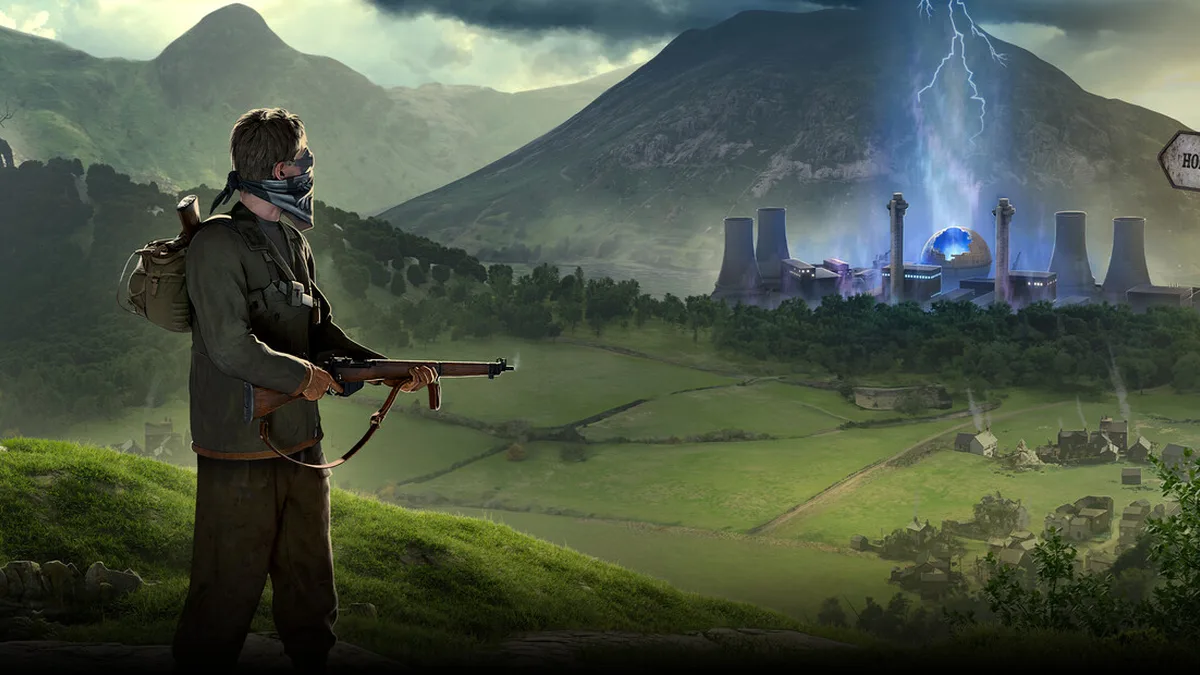
This page covers the versions and updates of Atomfall. It gathers the version facts that have been confirmed, explains how to check which version you are running, how updates differ across the three platforms, and the practical steps for judging whether an update is worth your attention. One thing to establish first: this is a single-player survival action game, so its update cadence is nothing like the “weekly maintenance, monthly major patch” rhythm of an online game. Understanding that is what lets you manage your save and your play experience correctly.
Confirmed version information#
The information below comes from official announcements and can be cross-checked against the in-game version screen or the relevant store page:
| Item | Details |
|---|---|
| Developer and publisher | Rebellion Developments |
| Game engine | Rebellion Engine |
| Launch date | March 27, 2025 |
| Launch version | 1.0 |
| Current version | 1.0.x (ongoing maintenance) |
| Content updates | Seasonal content update plans have been announced officially |
| MOD support | No official MOD tools |
| Full install size | About 60 GB |
How to check your current version#
The version number is in a different place on each platform; follow the steps below to confirm it.
PC (Steam)#
Find Atomfall in your library, right-click and open “Properties”, then go to the “Installed Files” tab to see the current build number; the corner of the game’s main menu usually displays the version number as well.
PC (Epic)#
On the Atomfall card in your library, click the “…” in the top-right corner to open “Manage”, then expand it to check the current version and read the notes attached to this update.
PlayStation 5#
Go to “Installed games and apps” in the console’s system settings, find Atomfall, and press the corresponding button to view “Version Information”.
Xbox Series X|S#
Go to “My games and apps”, select Atomfall, press the menu button and choose “File Info” to see the current version number.
Which systems an update can touch#
The gameplay here rests on a number of hardcore survival mechanics. Once you understand them, reading patch notes tells you quickly how an update affects your current build. The table below lists the game’s core systems so you can check them one by one against the patch notes:
| System in this game | What it means for the player |
|---|---|
| Radiation build-up and clearing | Whether you can enter high-radiation zones, and how many anti-radiation drugs to carry |
| Hunger and health | How many supplies to bring and how long you can stay out exploring |
| Weapon durability and repair | How much you depend on workbenches and repair materials |
| Encumbrance and stamina | Movement and combat decisions while overloaded |
| Stealth and backstabs | Whether an infiltration route can avoid fighting altogether |
| Crafting recipes | Which weapons, tools and consumables can be made |
| Skills and character growth | Which direction your build leans |
| Faction reputation | Trade prices and where quests lead |
Is an update worth following: the checks#
To judge whether an update should be applied immediately, work through the following order. The checks below are in order, four in total:
- First confirm whether the game’s version number has changed, and that it matches the version number in the official patch notes.
- Then check whether the update notes touch the weapon, skill or crafting recipe categories you are currently using.
- If the update touches saves or build balance, back up your save manually before installing it.
- If the update has not been pushed to your platform yet, wait patiently for platform review rather than forcing a manual install.
Judging an update’s impact on saves and builds#
This game supports both manual and automatic saves, which matters a great deal when dealing with updates. Before installing a large update, it is worth completing the following preparation:
| Action | Purpose |
|---|---|
| Back up the save manually | Prevents irreversible loss if the save is corrupted or mechanics change after the update |
| Record the key points of your current build | Makes it easy to check afterwards whether skills and equipment were adjusted |
Platform differences and update cadence#
Updates do not always arrive on all three platforms at the same time; understanding the differences saves a lot of unnecessary hassle.
| Platform | Push characteristics | Notes |
|---|---|---|
| PC (Steam/Epic) | Usually pushed first | You decide whether to download immediately |
| PlayStation 5 | Requires platform review | The push is usually a little later |
| Xbox Series X|S | Requires platform review | The push is usually a little later |
Install size and disk checks#
The full install of this game is about 60 GB, and an SSD is officially recommended for shorter load times. Leave enough free disk space before an update to avoid the situation of “download finished but unable to unpack”. If the game fails to start after an update, check the remaining space first, then consider the save backup.
Subject matter: why updates are worth watching#
The game’s setting is built on the real nuclear accident of the 1957 Windscale fire, and revolves around survival, exploration and interaction with multiple factions in the Windscale quarantine zone. For that reason, the direction of official content updates usually relates to “new explorable areas, new faction interactions, new crafting content” in the British nuclear wasteland, which is worth more attention than pure number tweaks. When following updates, watch for whether explorable areas or faction content has been expanded, rather than only staring at balance changes.
Information control and where to get it#
There are no official MOD tools for this game, so version management is relatively simple and there is no mod compatibility to handle. If you want update information first, go by the in-game announcements and official announcements, and do not let third-party retellings substitute for the official notes. When checking patch notes, look at the “version number” and “systems affected” columns first, rather than vague general announcements.
Common misjudgements and how to handle them#
Given that this is a single-player survival game, there are several common misunderstandings worth clearing up so you do not make bad decisions when installing an update.
| Common claim | Actual situation | What you should do |
|---|---|---|
| Delaying the update means missing limited-time content | This is primarily a single-player game, so the update window is generous | Update at your own pace |
| Old saves stop working after an update | A manual backup before updating prevents this | Back up first, then update |
| A later update on a platform means it is behind | The three platforms simply go through different review processes | Go by the official version number |
| Unofficial patches can fix problems | This game has no official MOD tools | Do not install patches from unknown sources |
Every one of those judgements can be verified against two points of evidence, “version number” and “official notes” — do not make decisions based on third-party retellings.