Modern Warfare 4 Controls and Aiming Settings Guide#
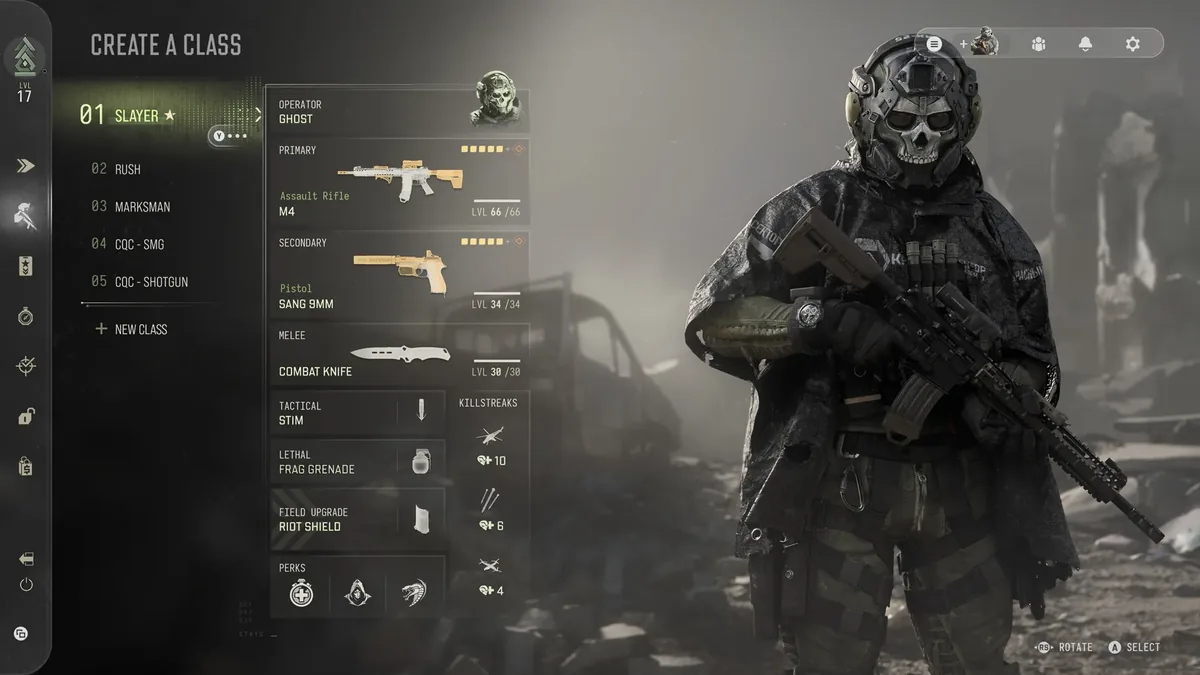
Call of Duty: Modern Warfare 4 swings several big knives at game feel: the May announcement confirmed Ballistic Authority multiplayer networking and bloom removal, the launch patch moved tactical sprint from a default action to a perk-gated ability, and base health rose from 100 to 150. This page concentrates all the “you feel it the moment you shoot” changes and gives matching setup thinking — every mechanic description follows official wording, with no unpublished numeric detail.
The Four Key Handling Changes#
| Change | Content | Impact on play |
|---|---|---|
| Tactical sprint no longer default | Default becomes one-button sprint; tactical sprint binds to the new Blood Rush perk | Without the perk, held sprints degrade to a jog — rotation rhythm needs replanning |
| Health raise | Base health 100 → 150 | TTK lengthens overall; follow-up tolerance in duels rises, but reload timing matters more |
| SMG buff | SMGs improved at close-mid range | Face-to-face pressure grows; rifle players must pre-aim corners more carefully |
| One-shot-weapon adjustments | Sniper and shotgun flinch and damage changes | One-shot classes handle differently from before — returning snipers need recalibration |
Together, the four push close-range engagement weight clearly upward: thick health + strong SMGs + changed sprint logic all encourage aggressive pushing. Players habituated to Modern Warfare III (2023) pacing will hit the same first-night problem — “I clearly hit them but they didn’t die.” 150 HP takes extra rounds; before doubting the gun, check the damage-class attachments in your build.
Bloom Removal and Ballistic Authority#
The May announcement confirmed two technical changes, both of the “you feel it but can’t name it” kind:
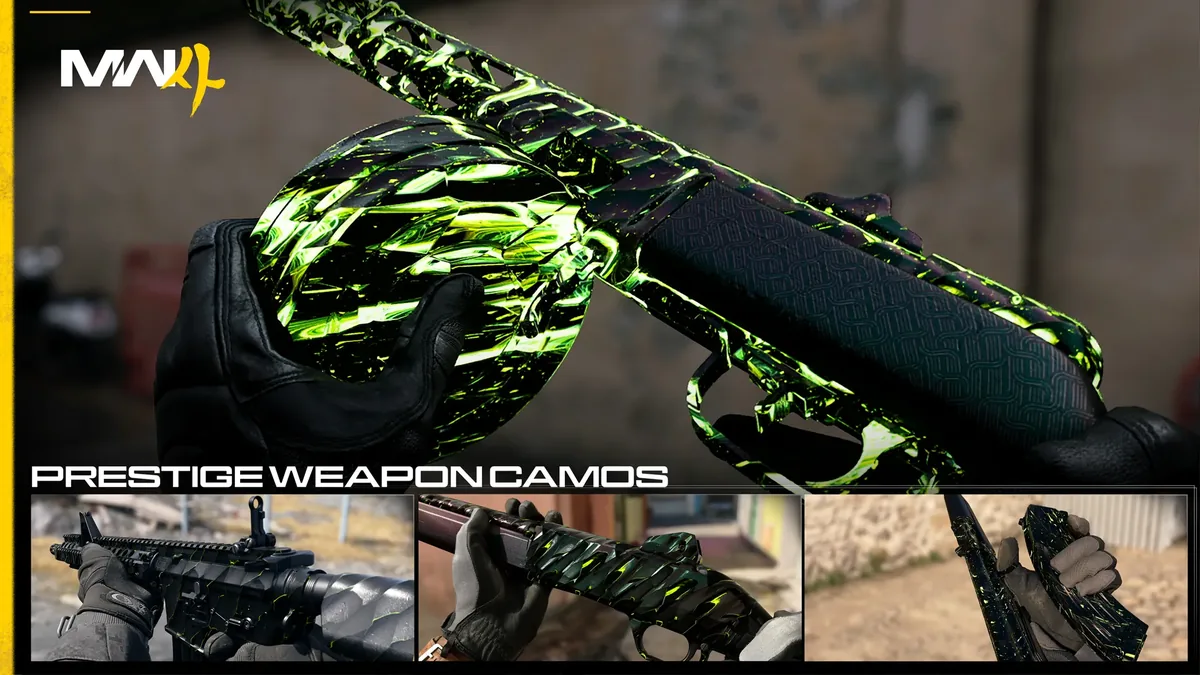
- Bloom removed. Previous Call of Duty titles spread your crosshair (bloom) during hipfire and sustained fire; this game removes it, making ballistics more “what you see is what you get.” For setup habits: if you used to hipfire-sweep close points, this game’s hipfire leniency leans more on attachment compensation — loadout thinking at arsenal overview.
- Ballistic Authority networking. Officials position this multiplayer networking feature as improving bullet-registration certainty — the gap between what you see hit and what the server rules shrinks. The practical meaning: don’t pre-aim lead based on “last game’s latency experience”; play a few matches on WYSIWYG faith first.
Neither needs a settings toggle — both are engine- and network-layer behavior; what you owe yourself is rebuilding your feel baseline in the Proving Grounds.
Rebuild Muscle Memory in the Proving Grounds#
The launch version adds the Proving Grounds training range, expanded from the beta’s movement course, with combat drills and scored challenges. The recommended ramp:
- Run the movement course first. Cycle the new one-sprint / slide / vault combinations; the key question is whether you’ll spare a perk slot for Blood Rush.
- Then run combat drills. Test your main weapons’ ballistics and TTK — especially if you just came from the 100-HP era; rebuild the “how many rounds to drop” intuition against 150-HP targets.
- Finally farm scored challenges. Good for warming up while waiting on teammates, and it doubles as rhythm practice for killstreaks and equipment.
Gunsmith and Reticle Customization#
Two attachment-system additions directly change what your screen tells you:
- Optic position and reticle customization: Gunsmith adds optic mounting position and reticle style options. A moved optic shifts your center-screen feel baseline; run two Proving Grounds rounds after every optic swap before touching real lobbies.
- Apex Attachments: most weapons ship with a dedicated Apex Attachment — this game’s high-end attachment tier; building around it saves effort, mechanics at arsenal overview.
New players shouldn’t over-carve their builds: generate a Gunny recommendation first, then tune muzzle and grip attachments toward your usual range band (point-blank / mid / far) once the gun feels familiar.
How to Spend Your Perk Slots#
Three perk-related changes ship in the launch patch, and they directly shape your perk bar:
| Perk change | Advice |
|---|---|
| Blood Rush gates tactical sprint | Near-mandatory for rotation-reliant players; anchor-style builds can skip it |
| Flash / stun range and duration reduced | Attacker throw value drops; defenders’ tolerance for “eating a flash” rises |
| Battle Hardened strengthened | The core anti-tactical counter-perk; its value-to-cost climbs in a tactical-heavy environment |
The live logic is simple: the more aggressively you throw (flash and stun openers), the more the enemy’s Battle Hardened earns; symmetrically, you can run Battle Hardened to hedge their throw spam. The full equipment catalog is at killstreaks and equipment.
Platform Input Notes#
| Platform | Input note |
|---|---|
| PC | Mouse-and-keyboard benefits most from the handling changes — hipfire is more controllable without bloom; RICOCHET anti-cheat requires Secure Boot + TPM 2.0 |
| PS5 / Xbox Series X|S | Controller players should prioritize adapting to the one-sprint default mapping; platform differences and performance compares input and image quality per platform |
| Switch 2 | The native version is co-developed with Digital Legends; confirm handheld-form mappings in the Proving Grounds first |
The First-Night Checklist#
- Decide whether the one-button sprint default is acceptable; if not, slot Blood Rush into your perks
- Rebuild TTK expectations against 150-HP targets at the Proving Grounds
- Generate your first Gunny build and validate it in one live match
- Customize reticle and optic position — don’t carry over last game’s old picture
- Set scorestreak goals low (UAV at 5 kills) while learning Smart Streaks’ counting style
Keyboard vs Controller Adaptation#
The handling changes hit the two input families differently:
| Input | Most-affected change | Adaptation point |
|---|---|---|
| Mouse-and-keyboard | Bloom removal + Ballistic Authority | WYSIWYG ballistics make mouse tracking more confident; recalibrate mid-range spray expectations |
| Controller | Tactical sprint no longer default | The one-sprint mapping change needs the most adaptation; tracking through 150-HP TTK with aim assist also needs a new rhythm |
Switch 2 players (handheld form) face bigger mapping and grip differences — run the full movement course before a live match; platform specifics at platform differences and performance.
The Settings Checklist#
Verify this page’s changes item by item before queuing — don’t open a match carrying old habits:
| Check | What to verify |
|---|---|
| Sprint mapping | Is one-button sprint comfortable? If not, retrain or slot Blood Rush |
| Reticle style | Pick a high-contrast style in Gunsmith; 150-HP shot tracking demands recognition |
| Optic position | After every optic swap, confirm the new picture; recalibrate at the Proving Grounds if needed |
| Audio bands | Low-visibility maps like Sentry rely on sound — boost footstep bands in advance |
| Perk slots | Settle the Blood Rush vs Battle Hardened trade before you queue, not during |