Dota 2 FAQ#
This page collects the questions newcomers ask most, in a Q&A list grouped into “Getting Started,” “Settings and Display,” and “Matches and Account.” Answers only cover stable facts that don’t expire with patches; for specific values, default keybinds, or current events, the in-game display is the standard.
Getting Started and Gameplay#
Q: Is Dota 2 free?
A: Yes. The game is free to play, every hero is unlocked from the start, and nothing gameplay-relevant is gated. Paid content is cosmetic — items that change appearance and audio, never strength.
Q: Which heroes should a beginner play?
A: Start with melee or tanky heroes that have few abilities, good survivability, and no demanding last-hit requirements — get “buy items, push towers, place wards” running smoothly first. Hero strength shifts by patch; for current recommendations, the in-game “New Player” suggestions and community tier lists are the standard.
Q: How do I last hit? How do I deny?
A: A last hit is the killing blow on an enemy creep — it pays gold. A deny is the killing blow on your own wounded creep — it denies the enemy that gold and cuts their experience. Both come from the rhythm of waiting until a creep’s HP drops under your damage line, then striking. You can drill it in a practice lobby with nothing but creeps.
Q: Why do I keep getting instantly killed?
A: Three usual causes: standing too far forward and eating the enemy’s initiation, lacking vision and walking into ganks, or lagging behind on magic resistance and armor. Build the habits of maintaining river vision and moving with your team, and the instant deaths drop sharply.
Q: What is “split pushing”?
A: Split pushing pressures one lane with part of the team while the rest threaten elsewhere, forcing the enemy to split their response. It tests the split-pusher’s wave-clear and escape tools — and the other four players’ discipline to survive 4v5 without collapsing.
Q: What are Dota 2’s minimum system requirements?
A: The real-world bar is lower than most AAA games, but the exact figures live on the Steam store page’s “System Requirements” section — this page doesn’t copy them, so they can’t go stale.
Settings and Display#
Q: How do I set the language?
A: In-game language can be switched in the settings’ language options; to localize the whole client and store, right-click Dota 2 in your Steam library → Properties → Language.
Q: How do I enable quickcast?
A: Open Settings → Hotkeys, enable advanced hotkey options, and you can turn quickcast (cast directly without clicking a target) on per-ability — or replace the normal cast keys wholesale.
Q: How do I enable quick buy?
A: Also in Settings → Hotkeys under the advanced section: enable it and clicking an item icon buys it instantly, skipping the confirmation.
Q: How do I rebind keys?
A: The Settings → Hotkeys page groups bindings by movement / abilities / items / units, each rebindable individually. Set keys you like before you start ranked.
Q: How do I adjust audio and video?
A: Sound, volumes, and voice toggles live in Settings → Audio; resolution, quality, and frame-rate options in Settings → Video. For FPS, start by disabling V-Sync and lowering effects and resolution.
Q: How do I set mouse sensitivity / mouse acceleration?
A: Dota 2 doesn’t control pointer speed — feel comes from your OS mouse settings (Windows’ “Enhance pointer precision” is the acceleration toggle) and your mouse DPI. What the game does adjust is camera-pan sensitivity, under Settings → Options.
Q: How do I see ability details?
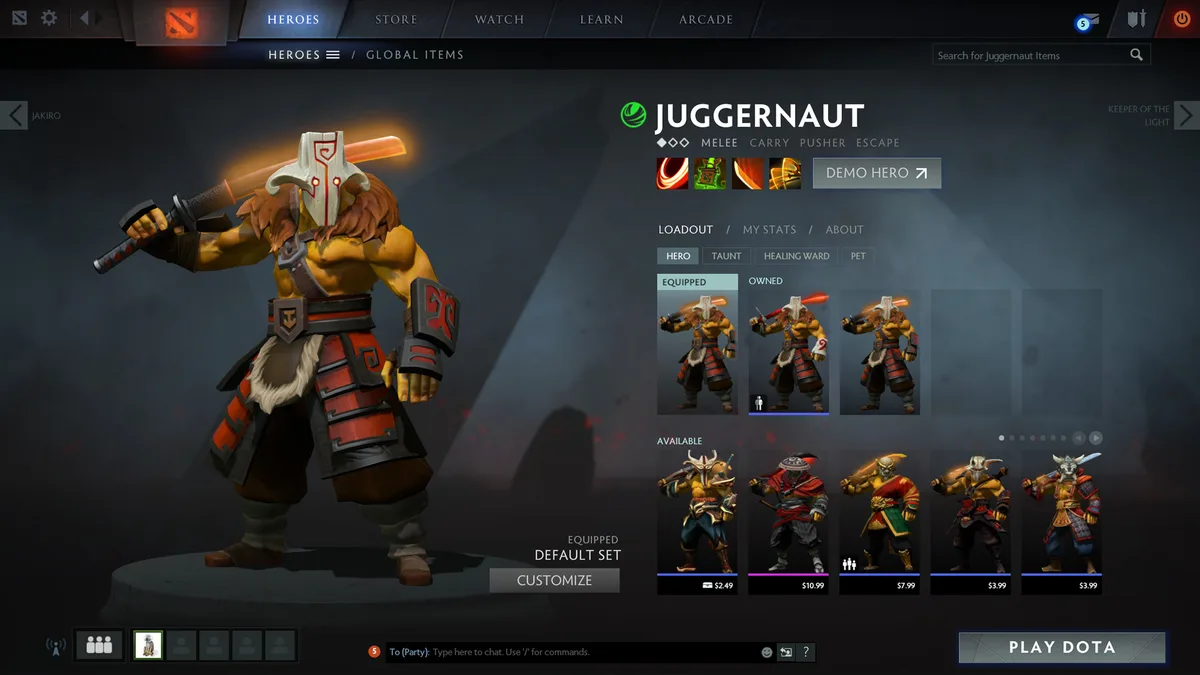
A: Hover any ability icon in-game for the full description; the client’s Heroes page lists every hero’s abilities and suggested items. Values shift with patches — the live display is the standard.
Matches and Account#
Q: How do I check my MMR / match history / match data?
A: The client’s profile page shows your rank and recent results, with per-match detail under the match history tab. For deeper stats (ability damage, ward scores, and so on), third-party sites like OpenDota and Dotabuff query the same Steam account.
Q: How do I download replays?
A: Under Watch → My Matches in the client, find the game and click download to replay it in-client; downloaded replay files also sit in the replay folder of your install directory.
Q: How do I party and interact with friends?
A: Right-click a friend in the client’s friends list to invite them to your party; the party host sets map and faction options. In-match interactions (chat wheel, commendations) handle the rest.
Q: How does spectating work?
A: The client’s Watch page streams friends’ live games and professional matches; My Matches holds your own recent replays. To watch high-rank play, sort the live list by rank or popularity.
Q: How do I enter tournaments?
A: Regular ranked runs through the client’s Play queue; community leagues and custom events happen in the Arcade or custom lobbies. Official tournament information follows the client’s announcements.
Q: Do cosmetics affect gameplay?
A: No. Cosmetics change appearance and audio only — no stats, no gold, no advantage. They’re bought in the in-game store or traded on the Steam Community Market.
Q: How do I report cheaters, griefing, or bad behavior?
A: The post-match results screen supports reporting, and so does the player’s profile page. Reports feed the behavior system — behavior score drops with misconduct and recovers with good play.
Q: How do I set up voice / chat channels?
A: Voice keys are bound under Settings → Hotkeys, separately for team voice and all-chat voice. For text, open chat with Enter and switch between team and all channels with the shortcut.
Q: How do I get workshop maps?
A: Arcade-mode custom maps live on the Steam Workshop — search, subscribe, and they appear in the Arcade. They’re community-made; quality and player counts are live information on each workshop page.