System Requirements#
Stardew Valley is a 2D pixel farming game that launched on PC on February 26, 2016, and its hardware bar today is best described as “virtually unguarded”. This page follows the official line verified 2026-10-15: the Steam store’s minimum tier, Mac and Linux requirements, laptop and integrated-graphics feasibility, and what actually matters when you want stable co-op hosting, with an FAQ and related links at the end.
What Are the Requirements?#
The official minimum is Windows Vista or newer, a 2 GHz processor, 2 GB of RAM, a 256 MB VRAM GPU, DirectX 10 and 500 MB of storage — the only tier the Steam store page lists.
| Item | Minimum requirement | Notes |
|---|---|---|
| OS | Windows Vista or newer | A decade-old OS already qualifies; every later Windows version is covered |
| Processor | 2 GHz clock | Only a clock-speed gate; no generation or core-count limit |
| Memory | 2 GB | Contemporary machines start at 8 GB — enormous headroom |
| Graphics | 256 MB VRAM, Shader Model 3.0 | Integrated graphics qualify; a dedicated GPU is unnecessary |
| DirectX | 10 | Ships with the OS; no separate action needed |
| Storage | 500 MB available | Actual install is about 660 MB; 1 GB reserved is comfortable |
Two notes on the data: first, this table mirrors the Steam store’s current “System Requirements” block — the only official hardware gate; second, 500 MB is the download requirement and the installed footprint is about 660 MB, so 1 GB of free space is ample — almost unheard of among today’s hundred-gigabyte games.
Is There a Recommended Tier? Do You Need a High-End PC?#
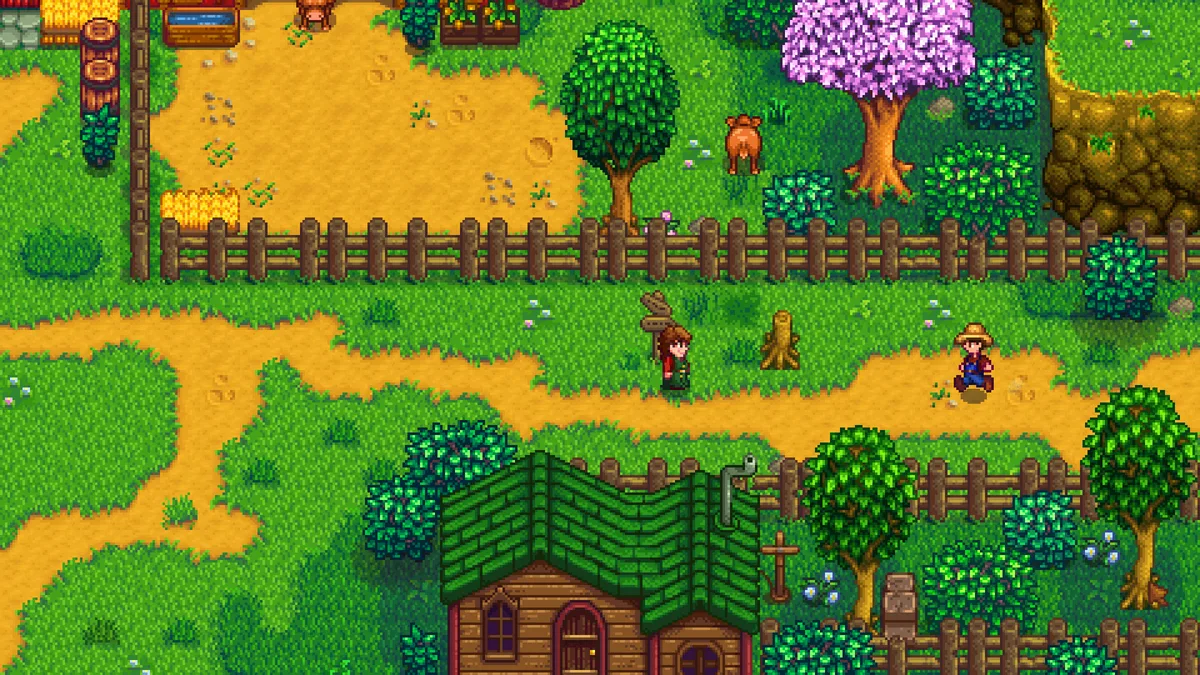
No. The Steam page lists only the minimum; the developer has never published a recommended tier, and media testing concludes the minimum spec runs the game smoothly — the game itself has almost no graphics options to tune.
That follows from the game’s shape: Stardew Valley is 2D pixel art on a proprietary engine (SteamDB tags it MonoGame / XNA), with no 3D modeling or lighting load and no quality settings to push. So neither the developer nor major media has ever published 1080p, 1440p or 4K spec tiers — if a third-party site shows “recommended specs” or a “4K tier” with numbers, that is not official, and no hardware purchase should follow it. Likewise, with almost no in-game graphics options there is no “lower settings for frames” lever: if the minimum runs, it runs.
Can You Play on Mac and Linux?#
Yes. The Steam version ships a native macOS build, released on July 29, 2016 alongside Linux; the SteamOS + Linux requirements below sit at essentially the same bar as Windows.
| Item | SteamOS + Linux requirement |
|---|---|
| OS | Ubuntu 12.04 LTS |
| Processor | 2 GHz |
| Memory | 2 GB |
| Graphics | 256 MB VRAM, OpenGL 2+ |
| Storage | 500 MB available |
On Mac, buy the Steam or GOG version and play; exact OS requirements follow the store’s Mac tab. Linux has one known launch quirk: some distros lack the execstack package, which blocks startup — install it with dnf on Fedora or apt on Ubuntu. macOS history centers on user-directory permissions (~/.config ownership blocking writes); the fix command remains valid, with detailed steps in official forum and community resources.
Console and Mobile Requirements?#
Console versions need no spec sheet — PS4, Xbox One, Switch and friends are guaranteed by the hardware; mobile follows app-store listings, e.g. iOS 13.0+ and about 464 MB for the iOS build.
| Platform | Launch and compatibility |
|---|---|
| PS4 / PS Vita | December 13, 2016 / May 2018; no dedicated PS5 build — PS5 runs the PS4 version via backward compatibility |
| Xbox One / Series | Xbox One on December 14, 2016; Series consoles run it backward-compatible |
| Switch / Switch 2 | October 5, 2017; Switch 2 plays via the dedicated Switch 2 Edition |
| iOS | October 24, 2018; needs iOS 13.0+, about 463.7 MB |
| Android | March 13, 2019; device and OS requirements per the Google Play listing |
Console players need no hardware judgment at all — buy and play; mobile players should check the store page’s compatibility note before purchase. The store’s device and OS list is the mobile “requirements”, and this page does not restate unverified device tables.
Laptops and Integrated Graphics?#
Playable. The reference machine for the minimum tier is a decade-old Intel Core 2 Duo E8400 (2 GHz)-class CPU, and Intel HD integrated graphics sit within the runnable range; community reports on iGPUs concentrate on launch compatibility, with driver updates as the first fix for black screens.
Three points in detail:
- The baseline is ancient. The typical minimum-tier CPU is an Intel Core 2 Duo E8400 (2 GHz) — a dual-core from around 2008. Against that line, mainstream laptops and office desktops of the last decade clear the bar by a wide margin, so “can my machine run it” is almost always yes.
- Integrated graphics work, but launch quirks have been reported. Community reports show iGPUs run the game fine; problems appear at launch — black screen with sound, no picture — usually tied to display output and drivers. Try in order: Alt+Enter to toggle windowed mode; add
-windowed -popupwindowto Steam launch options; update NVIDIA, AMD or Intel drivers; enable “disable fullscreen optimizations” in the exe’s properties; finally verify game files through Steam. - The official gate is a single VRAM line — no dGPU vs iGPU split. 256 MB VRAM with Shader Model 3.0 is the entire graphics requirement; no official laptop-GPU tier table exists within verified sources — any content giving per-model laptop GPU tiers is unofficial. For this game, the GPU is simply not a laptop buying decision.
What Hardware for Steady Frames?#
The game has no official framerate targets and no quality tiers, so plan by role rather than frame numbers: solo play needs only the minimum; hosting 8-player co-op is where CPU, memory and network stability deserve the budget.
| Scenario | Approach | Basis |
|---|---|---|
| Solo farming | Minimum tier; buy no hardware for it | Media tests run smoothly on minimum |
| Joining someone’s farm | Same as solo; the host carries the load | Saves and sync live on the host |
| Hosting 8-player co-op | Pick a device with more memory and wired networking | PC supports 8 players since 1.6; more players, more host load |
| Split-screen or shared-screen | One device renders multiple views — pick the stronger machine | Multi-render pressure exceeds solo |
Three buying notes: first, do not buy a GPU or monitor upgrade for this game — save the budget for games that need it; second, when an old machine hangs at launch, run the driver and windowed-mode checks from the previous section — it is usually compatibility, not performance; third, reserve 1 GB of storage and ignore the HDD-vs-SSD difference. These are general methods; game-specific issues defer to official announcements.
FAQ#
| # | Question | Answer |
|---|---|---|
| 1 | Can a ten-year-old PC run it? | Yes — the baseline is Intel Core 2 Duo E8400 (2 GHz) class; at that level it runs smoothly |
| 2 | Do I need a dedicated GPU? | No — integrated graphics with 256 MB VRAM meet the official gate; don’t buy a card for this |
| 3 | Is there a recommended tier or 4K spec? | No — only the minimum exists officially; any 1080p / 1440p / 4K tiers are unofficial |
| 4 | How much disk space? | 500 MB to download, about 660 MB installed; reserve 1 GB |
| 5 | Does co-op need more hardware? | Joining equals solo; the 8-player host bears the heaviest load — use a memory-rich, stable-networked device as host |
| 6 | Will 1.7 raise the requirements? | 1.7 is confirmed in development with no date, and no spec changes announced — no need to upgrade preemptively |
| 7 | Mobile device requirements? | iOS needs 13.0+ and about 463.7 MB; Android devices per the Google Play listing |
| 8 | iGPU laptop black screen at launch? | Usually compatibility, not performance: toggle windowed mode, update GPU drivers, disable fullscreen optimizations, verify files |
Related Guides#
- Beginner’s Guide — opening prep and year-one pacing
- Co-op Guide — 8-player rules, split-screen and host choice
- Profit Guide — high-yield crops and production planning
- Hidden Content — easter eggs and secret content
- 1.7 Update Watch — confirmed development items and spec-related news