Palworld Multiplayer#
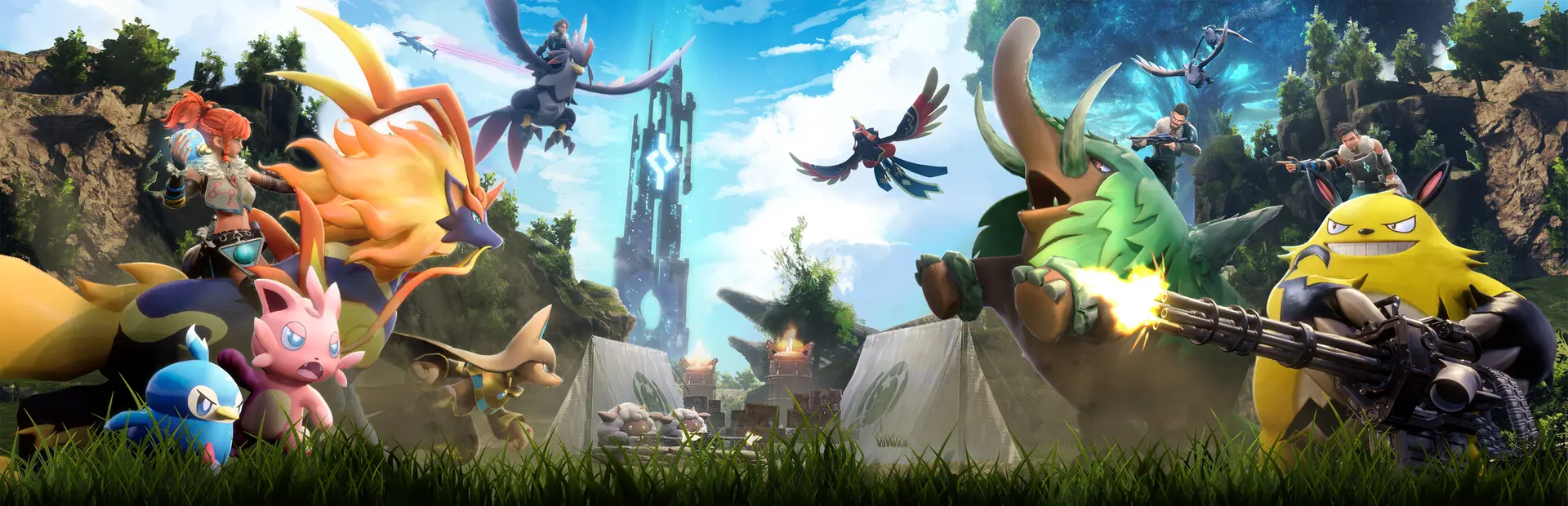
Palworld is developed and published by Pocketpair. It launched in early access on January 19, 2024, and received its 1.0 release on July 10, 2026, on Steam, PS5, Xbox Series X|S, and macOS. Multiplayer is one of the game’s signatures, but 1.0 overhauled the online rules at scale — the old guides’ “self-hosted server with a full 32 players” is obsolete: private servers narrowed to 4-player squads, and large same-server play moved to the official servers. This page lays out the 1.0 player-cap rules, server selection, cross-platform play, and online breeding, with the multiplayer FAQ consolidated here.
Player Caps: Two Numbers to Memorize First#
The game supports 1 to 32 players, with caps split by server type — this is the official word:
| Scenario | Player Cap | Notes |
|---|---|---|
| Single-player | 1 | A local world — save lives on your own machine, no connection needed |
| Private server | Up to 4 | Self-hosted dedicated server or a friends’ room — built for a fixed squad’s long haul |
| Official servers | Up to 32 | Officially operated public servers — the main stage of cross-platform play |
The early-access formula of “32 players on a self-hosted dedicated server” no longer exists in 1.0: private servers narrowed from community worlds of dozens to an exclusive space for a 4-player squad. That change rewrites how you build a team:
- Design your self-hosted server around a 4-player squad: roles, breeding planning, and base layout all revolve around fixed teammates — no more reserving slack for strangers.
- Only official servers provide large same-server play: worlds of up to 32 with cross-platform players together — the stage for public socializing and arena ranked play.
- The private server host holds the world rules: official servers run uniform rules; players who want to adjust EXP rates, hatching times, and similar settings have exactly one path — a private server.
The 1.0 Multiplayer Overhaul and Cross-Platform Play#
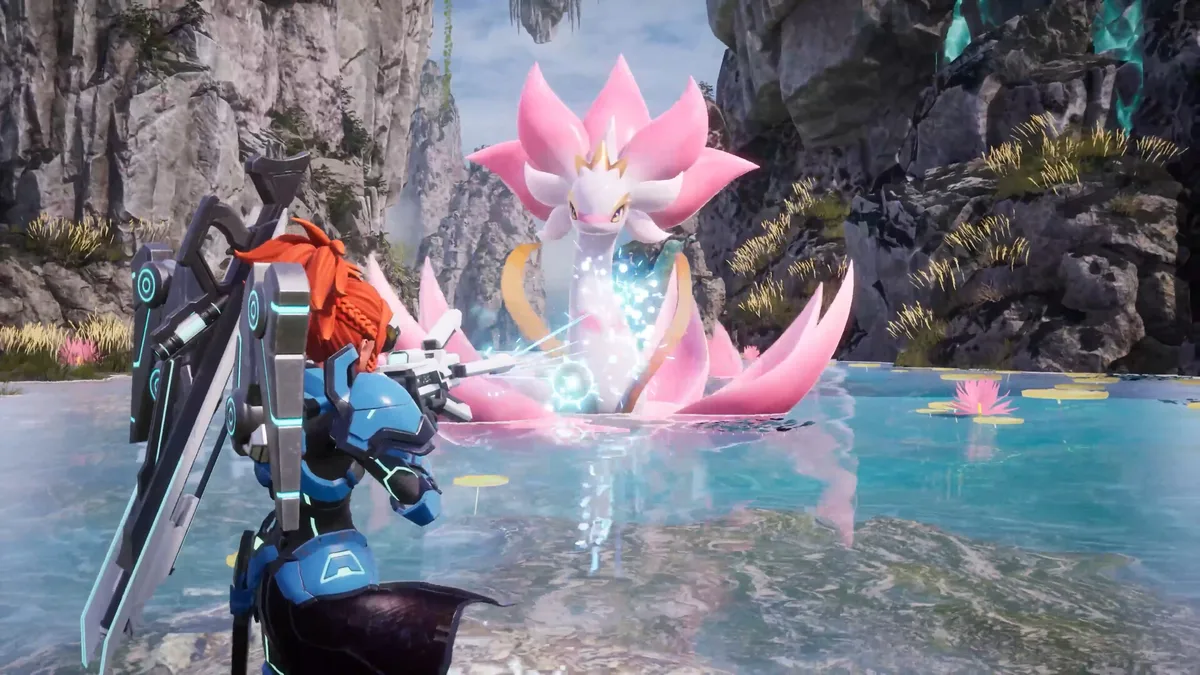
The 1.0 announcement put “multiplayer” on the large-overhaul list. Among the confirmed points, the clearest is cross-platform play: from the 1.0 release, players on Steam, PS5, Xbox Series X|S, and macOS can enter the same world — co-op building, exploration, and battles are no longer platform-gated.
The rest of the overhaul’s specifics weren’t published item by item, so this page records only confirmed word and won’t invent details for the officials. Two practical consequences are already certain:
- Team composition no longer looks at platform: where players on different platforms once couldn’t mix, one squad can now blend PC and console players — fixed teams no longer unify platforms just to play together.
- Official servers are cross-platform’s main stage: public worlds with a 32-player cap naturally pool players from every platform; cross-platform play and official servers are a matched pair.
Choosing Between Private and Official Servers#
The mechanical differences between the two server types mean they serve two different ways to play:
| Dimension | Private Server | Official Servers |
|---|---|---|
| Player cap | Up to 4 | Up to 32 |
| World rules | Host-defined — difficulty, EXP rates, hatching time, death drops all adjustable | Uniform official rules; no per-player tweaks |
| Membership | Invitation-only — a known squad | Public and open — same server as strangers |
| Save management | Saves live on your own server — the host can back them up | Saves managed on the official side |
| Breeding cooperation | The shared base’s breeding ranch opens to all members — teammates’ Pals can enter breeding directly | In a public environment, interaction and competition lead |
Pick by goal:
- A fixed friend group on a long co-op haul, deep breeding — choose a private server. Four players covers the role split exactly, world rules stay in your hands, and breeding cooperation is the biggest payoff.
- Crowds, cross-platform socializing, arena ranked play — choose official servers. Public records like arena ranks (1.0 added the Legendary rank) only mean something with real opponents around.
Online Play and Breeding: The Core Motive for Private Servers#
Breeding is the core of this game’s progression depth, and 1.0 stacked two new lines on top: breeding can probabilistically produce mutant Pals — higher stats with exclusive passive skills — and parent individuals can spend Radiant Gems to awaken. Both new lines feed on “the number of usable individuals,” and a private server solves exactly that: other players’ Pals can be used directly in breeding — one of the core motives for playing online.
- A private server is one world — the shared base’s breeding ranch opens to every member, and a teammate’s captured or bred Pals can join any breeding pair at any time.
- A 4-player squad can split capture duties by region, funneling individuals into one ranch — breeding material coverage far beyond any solo collection.
- Mutants and strong passives are probability events — the bigger the sample, the more rolls you get; a squad pooling individuals beats one player grinding by a wide margin.
- The Radiant Gems awakening consumes accumulate the same way — divided gathering and concentrated investment into main Pals is a squad’s natural division of labor.
A note for solo players: breeding, mutation, and awakening are all completable offline; online play is an efficiency-and-fun tool — nothing in the progression tree is locked behind multiplayer. System details are in the breeding guide, the awakening guide, and the mutation guide.
Co-op Roles: Laying Out a 4-Player Squad#
The 4-player cap demands a tight division of labor. Opening-stage duties:
| Role | Tasks | Key Points |
|---|---|---|
| Gathering | Chop trees, mine stone, clear ore veins | Secure the base’s running stock of foundation resources first |
| Building | Place the Palbox, workbenches, beds | Plan the base layout once, properly — avoid rework |
| Capturing | Sweep nearby Pals, grow the workforce | Catch plenty of low-level individuals first — bank technology points on the way |
| Logistics | Cook, organize storage, assign Pal jobs | Keep the base producing while teammates are out exploring |
Into mid-game, upgrade temporary duties into long-term tracks: the combat team takes tower bosses and the No-Go Zones (tower boss fights run 5 minutes each; scheduling in the boss guide); the breeding team runs the ranch, watching for mutants and strong passives; the gathering team stocks 1.0’s new resources like Radiant Gems and Soralite (routes in the resource guide).
On combat cooperation, 1.0’s combat rework is a real buff to squads: sprint replaces the roll dodge, you can attack while sprinting and reload while dodging, and there’s a new command to directly order your Pal to attack a specific enemy — focus-firing one target with the whole team’s Pals beats early access’s every-Pal-for-itself by a mile. Controls are detailed in the combat guide and the controls and keybindings guide.
PvP and the Arena#
- Open-world PvP is decided by the host world’s rules — on a private server the host sets it in world settings: on if you want it, off if you don’t.
- 1.0’s combat rework changed movement: sprint-dodge replaces rolling, attacking during sprints and reloading during dodges are both legal — relearn your dueling footwork and spacing under the new controls.
- Ranked PvP lives in the arena — the game’s only official ranked mode, which 1.0 gave a new Legendary rank and compressed to 2-minute matches. Open-world PvP is rule-by-agreement and sits outside the ranked system.
Running Your Own Private Server (PC)#
With private servers narrowed to 4-player squads, the bar is far lower than the old days — no hardware planning for dozens of players; a mid-range machine carries a squad stably.
- Server software: install
Palworld Dedicated Serverfrom the Tools category of your Steam library; follow the setup to generate the server files and configuration, and you’re ready to host. - World parameters: set them in the config file — difficulty, EXP rates, and hatching time map to the in-game single-player world settings; decide before launch, since mid-run changes disrupt the save experience.
- Network prerequisites: open the game port the server uses — if the server shows healthy but teammates can’t connect, check ports and firewall first.
- Three maintenance habits: restart the server process periodically (officially recommended too), back up the save directory, and keep server and client versions matched — version mismatches block joining.
An invite-only 4-player squad has no need for the old large-public-server apparatus — bans, server-wide broadcasts, remote consoles — those were 32-player public-environment operations. A squad server needs exactly two things: save backups and version sync.
Multiplayer FAQ#
| Question | Answer |
|---|---|
| How many players maximum? | The game supports 1 to 32 — official servers up to 32, private servers up to 4 |
| Can different platforms play together? | Yes. From 1.0, cross-platform play covers Steam, PS5, Xbox Series X|S, and macOS |
| How do cross-platform players join the same world? | Through the same in-game multiplayer entry as same-platform play — pick official servers from the server list; friends’ worlds via invite |
| What do I need to host a private server? | On PC, a self-hosted dedicated server via Steam Tools (4-player cap); per-platform self-hosting availability isn’t documented platform by platform — console players’ usual paths are official servers and friend invites |
| Is progress shared online? | Within one world, world state and construction are shared by all members; personal character growth saves into that world’s save — your own single-player world is a separate, independent progress |
| Can I continue on another platform? | Platform accounts and saves are independent; no cross-platform save-transfer rules have been published — don’t assume save portability |
| Can I breed with teammates’ Pals? | On a private server, yes — the shared base’s breeding ranch opens to all members; it’s one of the core motives for playing online |
| Can’t join the server after an update? | Check client and server versions first — version mismatch is the number-one cause of post-update connection failures |
| Does online play require being online the whole time? | Multiplayer depends on a network connection; if you only want solo, single-player mode runs fully offline |
| Are single-player and online saves interchangeable? | No — they’re different world forms; details in the FAQ |
One achievement-related reminder: achievement counts don’t merge across worlds, so long-horizon collections like statues and the dex should live on the save you’re committed to — collection progress in an online world won’t carry back to your solo save. Planning in the achievements guide.
Palworld Closing Note#
1.0 redrew the game’s multiplayer map: private servers became a 4-player squad’s exclusive world, official servers took over the 32-player public plaza, and cross-platform play put every platform’s players in one pool. For fixed teams, the value of playing online actually focused — both the mutation and awakening progression lines feed on the number of individuals, and four people pooling samples always beats one player grinding alone. Decide whether you want a squad’s private world or a public plaza, pick the matching server type, and most of your multiplayer experience falls into place.