Palworld Performance Optimization#
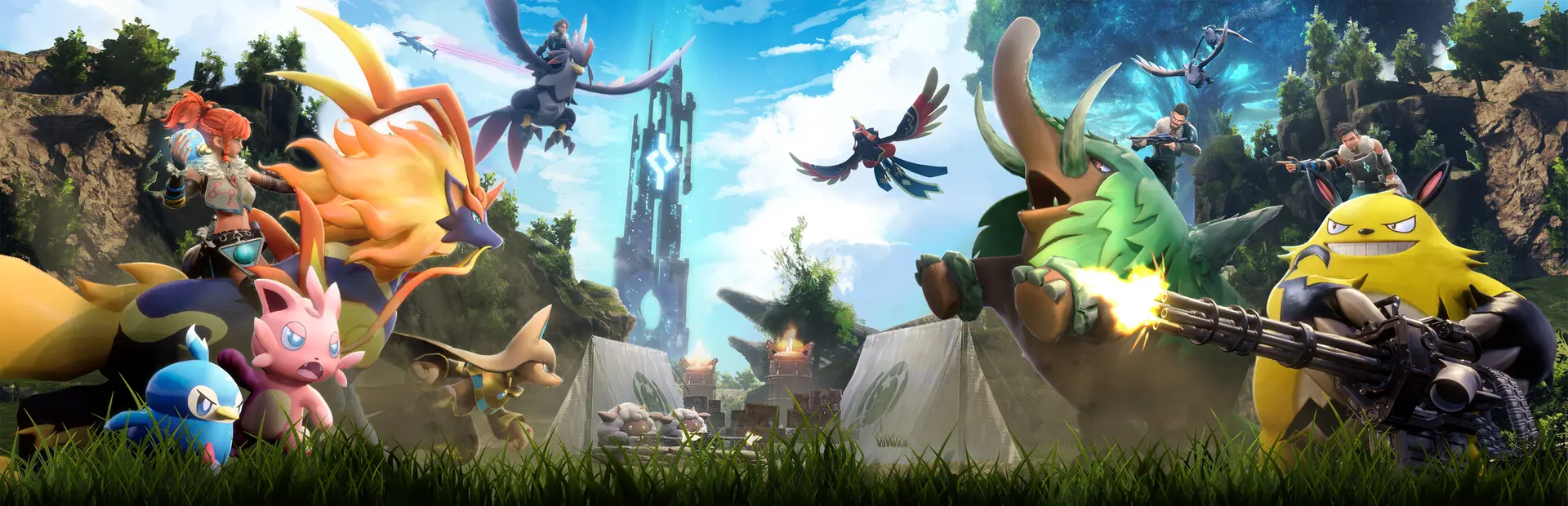
Palworld launched in early access on January 19, 2024, and shipped its 1.0 release on July 10, 2026. 1.0 overhauled the engine fundamentals and visuals at scale, so this page is written entirely to 1.0 standards under one principle: numbers come from the officials, unpublished items are labeled unpublished, and community experience is marked separately. For performance-minded players, two things in 1.0 outrank any graphics setting — the official requirement to remove MODs before updating, and the raised system requirements.
Read Before Updating: Removing MODs Is an Official Requirement#
When the 1.0 update went live, the official announcement explicitly required players to remove installed mods before upgrading. This is not routine housekeeping: 1.0’s changes dwarf any previous update, and mods built on the pre-1.0 game around 2024 can trigger three serious problems in the 1.0 environment — crash on launch, save corruption, and uncompletable quests. The first two, once they happen, cost you the entire save.
The officials also stated they support the modding community, but asked players to wait until mod authors explicitly confirm 1.0 compatibility before reinstalling. Compatibility confirmation is the author’s responsibility; the player’s job is exactly one thing: do not jump the gun.
The full pre-update checklist:
- Back up your saves (path in the code block below) — copy the whole save folder somewhere outside the game directory.
- Remove all mods and their prerequisites — move the entire Mods directory out of the installation folder; do not just delete a few mod files.
- Update the game itself.
- Verify file integrity in Steam to restore the official file state.
- Launch and confirm story quests, base operations, and save loading all work.
- Reinstall confirmed-1.0-compatible mods one at a time, verifying after each, so any problem points to the most recent install.
Save location (Windows):
C:\Users\<USERNAME>\AppData\Local\Pal\Saved\SaveGamesEach world is a separate folder inside; back up by copying the whole folder. The most common accident sequence is “update first, clean later” — save corruption is one of the three officially listed risks, and leaving old mods in the updated environment opens the floodgates to bad data. The order cannot be reversed.

The 1.0 Visual Overhaul: What the Officials Confirmed#
The official announcement explicitly lists visual presentation among 1.0’s large-scale renovations. Three confirmed directions:
- New regions built to the renovated visual standard — the Sunreach floating island and the World Tree are 1.0’s two visual showpieces, with the island’s lighting and the World Tree’s vista spec both built to the new standard.
- Massive animation additions — the official announcement lists over 100 new animations plus 47 dedicated animation sets, updating combat and interaction presentation alongside the reworked 1.0 combat system.
- Tower boss fights redone to a new visual spec — the seven towers each have unique tower designs, and their interior presentations were renovated together with the combat rework.
The boundary too: the officials have not published an item-by-item changelog for the graphics menu, nor a before/after performance baseline. Which options the graphics menu currently has, and whether defaults changed, follow the current in-game menu — this page will not invent a settings list on the officials’ behalf.
Official System Requirements (Current 1.0 Figures)#
The table below comes from the Steam store page’s current system requirements (verified October 2026):
| Item | Minimum | Recommended |
|---|---|---|
| OS | Windows 10 (64-bit) | Windows 11 (64-bit) |
| CPU | Intel Core i5-9400F | Core i5-12400 or AMD Ryzen 5 5600X |
| Memory | 16 GB | 32 GB |
| GPU | GeForce GTX 1660 | GeForce RTX 3060 Ti or Radeon RX 6700 XT |
| Graphics API | DirectX 11 | DirectX 11 |
| Storage | 40 GB available, SSD required | 40 GB available, SSD required |
| Network | Broadband | Broadband |
The footnote on the official requirements table translates to: an SSD is required — actual performance may vary with the number of active Pals. These are the officials’ two most direct statements on performance: the first upgrades the SSD from community advice to a hard requirement, the second admits that on-screen active Pal count is an official performance variable.
Compared with the early-access-era thresholds, 1.0’s requirements have clearly risen — the originally published minimum was a Core i5-3570K with a GTX 1050 (2 GB VRAM); the current minimum is an i5-9400F with a GTX 1660. Players still on GTX 1050-class cards should first try the “key graphics settings” below at reduced presets before deciding on a hardware upgrade. macOS is part of 1.0’s official platform lineup, but the Steam store page’s requirements block currently lists Windows specs only; Mac hardware requirements follow future official announcements.
Storage and SSDs#
- 40 GB is just the install baseline — every major update needs extra download and extraction space; reserving double avoids repeated file shuffling during updates.
- Hard drives slow both scene loading and save I/O; the officials have written the SSD in as a hard requirement, no longer a “suggestion”.
- Keeping the game and saves on the same fast SSD is the cheapest way to push down both loading times and auto-save stutter.
Key Graphics Settings#
A setting-by-setting look at the in-game graphics menu options with the biggest frame-rate impact. The officials have not published an item-by-item changelog; menu structure and defaults follow the current version.
Resolution and Display Mode#
- 1080p is the value baseline for most hardware; scale 1440p and 4K to your GPU tier.
- Exclusive fullscreen beats borderless windowed on input latency and frame stability — switch to borderless only when you need frequent alt-tabbing to guides.
- Cap the frame rate at your display’s refresh rate; an uncapped cap just makes the GPU spin hot, and base-scene frame fluctuations get more noticeable.
Upscaling and Frame Generation#
The game offers upscaling (DLSS and FSR) and Frame Generation. The internal render scales per quality preset are public specs of the upscaling technologies themselves:
| Preset | Internal render scale | Best for |
|---|---|---|
| Quality | 67% | Image-quality-first when the GPU has headroom |
| Balanced | 58% | Compromise between quality and frames |
| Performance | 50% | The workhorse preset for mid and low-end GPUs |
| Ultra Performance | 33% | Distant view visibly blurry; emergency use only |
Frame Generation inserts transitional frames for perceived smoothness while inputs still run on real frames, adding slight latency — turn it off for latency-sensitive tower boss fights and arena matches. Upscaling and frame generation shipped during early access; whether 1.0 upgraded their versions is not separately documented, and option details follow the in-game menu.
Ray Tracing#
The game has offered an experimental Ray Tracing option since early access. Community testing speaks with one voice: the frame cost is enormous, and mid/low-end GPUs should leave it off; if you must try, lower every other preset first.
Active Pal Count#
The official requirements footnote formalizes “performance varies with the number of active Pals” — the more Pals working simultaneously at your base, the heavier the CPU’s pathfinding and state computations. This is the game’s only official performance guidance: for base lag, cut active Pal count before touching graphics settings. Large arrays of lights and decoration parts add rendering load too; check your frame headroom before stacking decor.
Bottleneck Diagnosis: Find the Bottleneck First, Then Touch Settings#
| Symptom | Likely bottleneck | Direction |
|---|---|---|
| Frame drops when the base fills with Pals | CPU and memory | Fewer active Pals; close background-resident apps |
| Frame drops in heavy combat VFX | GPU | Lower effects preset; enable upscaling |
| Long black screen on map load | HDD storage | Switch to an SSD — an official hard requirement |
| Increasingly laggy over long sessions | Memory accumulation | Restart the game; close browsers and recorders |
| Screen tearing at normal frame rates | Display sync | Enable V-Sync or driver-level adaptive sync |
How to tell: open the game’s built-in FPS display or Steam’s performance overlay and watch GPU utilization — GPU pegged while frames fall short means a GPU bottleneck; GPU headroom to spare while frames stay low usually means the CPU is saturated by base and Pal computations. Restart the game after each settings change before comparing; some options do not hot-swap cleanly.
Priorities by Scenario#
- Solo overworld travel: few Pals in scene, light GPU load, view distance can loosen; grass density is the biggest variable when flying fast across plains and snowfields — dropping it one notch pays off immediately on long treks.
- Base building and idle play: the worst zone for CPU and memory — controlling active Pal count beats any graphics setting; switching to windowed mode while idling also trims system power draw.
- Tower bosses and arena: the densest VFX scenes; drop the effects preset one notch and disable frame generation before entering a tower for minimum input latency. 1.0 tower fights are capped at 5 minutes each — arriving tuned beats fiddling with settings mid-fight.
Memory and Save Health#
- During early access, “memory usage climbing with play time” was the most concentrated player complaint and was officially acknowledged through multiple reports; 1.0 overhauled the fundamentals, and long-session memory behavior is best judged by your own testing — this page quotes no peak numbers without a source.
- 16 GB is 1.0’s passing grade: close multi-tab browsers and recording tools before launching; in multiplayer the host additionally carries server-side logic and should keep more memory headroom than a solo setup.
- Back up saves before major updates — path at the top of this page. The statue-achievement counting bug fixed by the 1.0.2 patch (July 29, 2026) is the reminder: patches change judgment logic, and keeping one backup that predates the update is worth more than anything when something goes wrong.
- Late-game bases grow both save size and load times: pruning redundant structures and warehousing surplus eggs and materials is a low-cost routine maintenance habit.
Servers and Multiplayer Stability#
1.0’s multiplayer shapes: official servers hold up to 32 players, private servers up to 4, and cross-platform multiplayer became a standard capability with 1.0. Multiplayer play and lobby rules in multiplayer mode.
- Official servers: in early access’s launch window, official servers repeatedly dropped connections as concurrency far exceeded expectations; the officials apologized publicly and kept expanding capacity — old news from early 2024, on the record. High concurrency in the first week of any major update is the pattern, and after 1.0’s launch, off-peak logins remained the most effective fix.
- Cross-platform play: same-server players may come from Steam, PS5, and Xbox. When multiplayer feels wrong, separate the two symptoms first — rubber-banding and action rollback are network latency, and graphics settings will not touch them; low frame rates are what this page covers.
- Self-hosted dedicated servers (community operations folklore; the officials publish no ops spec): server process memory grows with uptime, and periodic process restarts are standard community practice; capping per-server Pal and base counts measurably lightens server CPU; in host-mode multiplayer the host machine does the server math — budget its hardware as “solo requirements plus one tier”.
Steam Deck and Handhelds#
The officials have published no handheld-specific settings guide, so handheld players have no official figures to copy. Community reference directions — unofficial, may drift with updates:
| Item | Community reference |
|---|---|
| Quality preset | Start at medium; grass and view distance drops pay the most |
| Upscaling | On, to stabilize frame rates |
| Frame cap | Lock 40 with the screen at 40 Hz — steadier and more battery-friendly than chasing 60 |
| Power | Lower the power limit for battery life; the frame cost is yours to measure |
Two more notes that apply to handhelds and Mac alike:
- Enable Steam Cloud saves for seamless handoff between handheld and PC; when streaming locally to a TV, the rendering load shifts to the receiving end and the handheld can safely run lower presets.
- macOS is in 1.0’s official platform list, with hardware requirements pending official publication; the Mac version’s graphics menu may differ from Windows — again, follow what the game actually shows.
Quick Answers#
| Question | One-line answer |
|---|---|
| Most important thing before updating to 1.0 | Remove all mods and back up saves — officially required, order matters |
| Is an SSD mandatory | Yes — the requirements footnote states an SSD is required |
| Where does the official recommended spec land | 32 GB memory and an RTX 3060 Ti-class GPU |
| Base keeps dropping frames | Cut active Pal count first — the officials note performance varies with it |
| Latency feel in tower fights | Disable frame generation before entering; fights are capped at 5 minutes |
| Is multiplayer rubber-banding a frame issue | No — it is network latency; graphics settings cannot fix it |
| Official Steam Deck settings | None — the handheld table above is community-sourced reference |
Closing#
1.0 turned two old debates into official positions: the SSD went from community advice to a hard line in the requirements table, and active Pal count was named by the officials as a performance factor; mod-compatibility risk was written into the update announcement itself. Rather than copying a “best settings” list of unknown origin, self-diagnose along the two official threads — storage up to spec, active Pals under control — then tune the graphics menu preset by preset. Find the bottleneck first, then touch settings: the order still holds in 1.0.