Online Play and Disconnects#
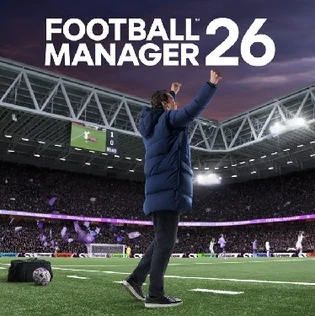
Football Manager 2026’s online play centers on the online career mode. Drops and desyncs mostly trace back to the host machine: get the host on a wired connection and through the firewall first, then think about accelerators and patches.
Football Manager 2026 is developed by Sports Interactive and published by SEGA, and launched on PC and consoles on November 4, 2025. This generation’s online framework is visibly slimmer than the series’ older offerings: Fantasy Draft and Versus Mode were removed as of FM25, they did not return at launch, and as of October 2026 there is no announcement of their return — so everything on this page concerns the online career mode and local hotseat. Information verified October 15, 2026.
What Online Play Exists#
One-line answer: only “online career” and local “hotseat” are playable — no split screen, and none of the older modes.
| Mode | Form | Status |
|---|---|---|
| Online career | Many managers, one save, one club each | The core of FM26 online; supported on PC and console |
| Hotseat | Turn-taking on one local device | A series tradition; no removal announced — in-game reality governs |
| Split screen | Two managers, one screen | Never in the series; absent here too |
| Fantasy Draft, Versus | The older online modes | Removed since FM25; no confirmed return |
Decide first what “playing together” means for you: to build a league world over months, use the online career; for turn-taking on separate machines, hotseat is enough; real-time head-to-head club-versus-club does not exist in this game — stop looking for it in the settings.
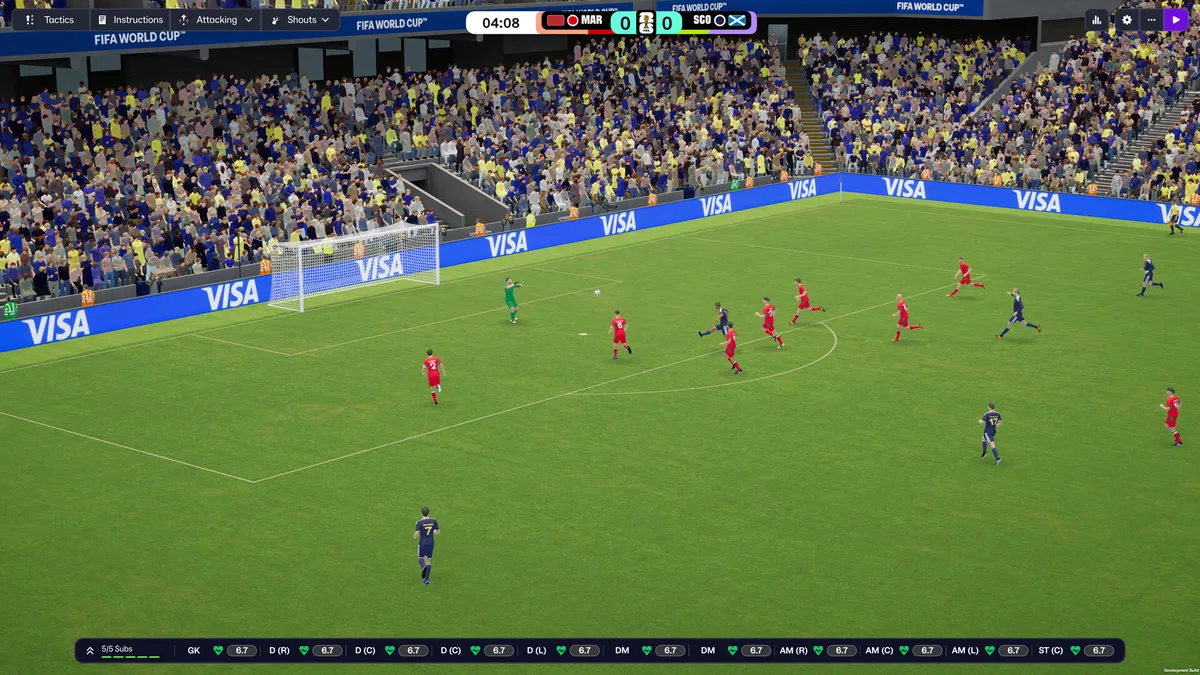
Hosting and Joining an Online Career#
FM26 online uses a host-plus-client architecture: the player who opens the room carries the computation and synchronization, and everyone else connects as clients. The host’s hardware and network therefore define the room’s experience — every drop investigation comes back to this.
Both entry points live in the Online section of the main menu:
- Hosting: choose Online, enter “Start a New Online Game,” set league size and room options, and generate the room;
- Joining: enter “Join Online Game,” then pick a room from the list or enter the invite details;
- Visibility: when hosting, pick Public, Private, or Offline — public rooms accept anyone, private rooms are visible to invitees only, and offline rooms accept nobody; a room password is supported;
- Anti-idle and anti-cheat: the host can configure auto-processing rules to keep an idle manager from stalling everyone, and can disable tactic and shortlist imports to cut the risk from outside files.
Advice for hosts: confirm your save settings and database size before opening the room. An online room carries more computational load than single-player — the bigger the database, the longer every processing day takes for everyone.
Can Steam and Epic Play Together?#
Yes. On PC, Steam and Epic players interconnect: both log into their own platform accounts, then invite each other in-game:
- Each player logs into their Steam or Epic account and starts the game;
- Open the game-status menu (the gear icon, Game Status) and choose “Invite Friends”;
- The other player accepts and lands in your online room.
Two additions: first, PC players via Microsoft Store and Game Pass subscriptions are part of the same PC online ecosystem, but when those players can’t find others in cross-platform search, the Xbox Game Bar account privacy settings need adjusting (see SEGA’s official steps below); second, cross-platform invites require matching client versions — on a version-mismatch warning, update first, then invite. This site’s updates page has the exact version-check steps.
Can Consoles Cross-Play?#
Yes. Officials have confirmed Xbox and PS5 players can cross-play online careers, and the Xbox family’s console and cloud versions share the field as well.
Mind the platform boundary: FM26 on PC and FM26 Console are separate products — PC and console players cannot share a room, and each side keeps its own save system. Before planning a game with friends, confirm you are all in the same platform camp.
One launch-window note: on November 5, 2025, players reported the Xbox version missing the cross-play toggle (present on PS5), with officials replying that internal testing showed it working. If your console version still lacks the toggle, update to the latest patch before filing a ticket.
When You Can’t Join a Game#
Follow SEGA’s official support page (updated October 14, 2025) in three steps, with the firewall and the Microsoft Store privacy settings doing the heavy lifting:
- Firewall: set Football Manager to “Allow incoming connections” in the system firewall — if the host receives no join requests, the firewall is the usual suspect;
- Microsoft Store and Game Pass versions: press Win+G to open Xbox Game Bar, go to Settings, Account, Manage privacy policies, and adjust the permissions — without this, those versions can’t find other players cross-platform;
- File a ticket: if none of it works, submit a support ticket with both the host’s and client’s log files,
MULTIPLAYER_CHANNEL.txtandUSER_ACCOUNT_PLAYFAB_CHANNEL.txt, from%localappdata%\Sports Interactive\Football Manager 26\Logs.
Order matters: first determine whether “nobody can join” (firewall and version), then whether “only one store’s players can’t find anyone” (Xbox Game Bar privacy), and only then escalate. Attaching the logs saves a round of back-and-forth.
Fixing Lag and Desync#
Conclusion first: the online career’s processing speed is decided by the host — optimize the host machine first, and clients fall in line.
| Optimization | Who | How |
|---|---|---|
| Host hardware | Host | Let the strongest machine in the room do the computing |
| Host network | Host | Wired over wireless; stability beats everything |
| Match scheduling | Host, at room setup | Set Match Scheduling to Wednesday and Saturday so the whole room processes in sync |
| Processing options | Host, at room setup | Disable friendly control and press conferences, set timed auto-processing — shrink everyone’s waiting |
| Client versions | Everyone | Keep versions identical; update promptly when prompted |
Configure all of this once at room setup — mid-save changes invite chaos. In bigger rooms, spend the extra two minutes aligning rules before the save starts rather than waiting thirty minutes per processing day because someone went idle.
Separately, processing-day stutter is not the same as the “online mode processing timer misdisplay” bug: the latter is a UI misreport, fixed in the 26.1.1 hotfix (November 29, 2025, Steam public beta track). If the timer still misbehaves after updating, first confirm you are actually on the latest version.
After a Disconnect#
Identify who dropped before acting — client and host disconnects are handled completely differently:
- Client drop: restart the game and rejoin the room from the online entry; if the room and host are still live, you reconnect to your own club;
- Host drop: the room’s sync dies with the host, and everyone waits for the host to return; the online career’s progress lives in the host’s save — the host reloads it after recovering, and clients rejoin in turn;
- Repeated drops: the host switches to wired and kills background downloads; clients self-check to the same standard; if it persists, run the firewall-and-logs steps from the previous section;
- Manual saves at key moments: officials have published no disconnect-protection details, so hosts should manually save before transfer-deadline day and big finals — it caps the damage.
Do not quit and start a fresh database after a drop — the online save lives on the host, and a client starting a new career only orphans their club from the room.
Do You Need an Accelerator?#
The test: if you and your friends are all in the same region and the drops and high latency sit on the host side, an accelerator is worth trying; if it only stutters at certain hours, or only one client drops, finish checking the host’s network and firewall first.
Given this game’s architecture, pick an accelerator on three points:
- Per-platform fit: the PC version spans Steam, Epic, and Microsoft Store — pick a service with explicit support for the game rather than a generic route; console play needs support for that console’s network environment;
- Trialability: choose a product with a free trial, test one processing day of latency and drops, then decide on paying;
- New anomalies after accelerating: if routing changes bring “can’t join rooms” or “can’t find players,” turn the accelerator off and compare once — confirm whether the acceleration introduced the problem.
The game’s online backend involves the PlayFab channel (the channel name in official support logs) and Epic Online Services (the cross-platform account component); officials publish no server-region list — only testing tells you which node is best. Unlike competitive shooters where region choice is a religion, FM26’s lag lives mostly in processing-day synchronization rather than real-time play, so the host’s network stability matters more than absolute ping.
Server Trouble or Your Problem?#
There is no public real-time server-status page; triangulate with three tests:
| Symptom | More likely | Direction |
|---|---|---|
| Everyone drops or can’t join at once | Server-side fault | Wait for the official fix; nothing local helps |
| Only you drop; others are fine | Local network or firewall | Run the disconnect checklist step by step |
| Trouble clusters on update days and weekend evenings | Peak congestion | Shift your play time, or retry in half an hour |
| One channel’s players only (say Game Pass) | Channel settings | Check the Xbox Game Bar privacy steps on the official support page |
To confirm: search the Sports Interactive community forum and the issue tracker for same-time reports — a spike means server-side. SEGA’s official support page (support.sega.com) is the first-line guide for online faults. Single-player careers are unaffected by online outages — a fine day to enjoy your solo save.
Online FAQ#
| Question | Answer |
|---|---|
| How many managers per room? | Officials publish no maximum; specific numbers online have no official source |
| Can Steam and Epic play together? | Yes — log into your own accounts and invite via the game-status menu |
| Can PC and console play together? | No — PC and FM26 Console are separate products with separate online |
| Can Xbox and PS5 play together? | Yes — console cross-play for online careers is officially confirmed |
| Is there split screen? | No, never in the series; local turn-taking is hotseat |
| Is Fantasy Draft back? | No — removed since FM25 and not returned in this game |
| Does Game Pass work online? | Yes, as part of PC online; if you can’t find players, adjust Xbox Game Bar privacy |
| Does a drop lose the season? | Progress lives on the host’s save; clients reconnect — a host drop means everyone waits for the reload |
| Do I need an accelerator? | Worth trying when the host side lags and drops; pick a per-platform, free-trial service |
Related FM 2026 Guides#
- FAQ: the most common beginner questions, including a multiplayer primer;
- Beginner’s guide: career starts, club choice, and planning your first season;
- Updates: patch rhythm and version checks — read before going online;
- Tips: practical points for running your club efficiently;
- Back to the FM26 hub: the full section’s navigation entry.