Controls Guide#
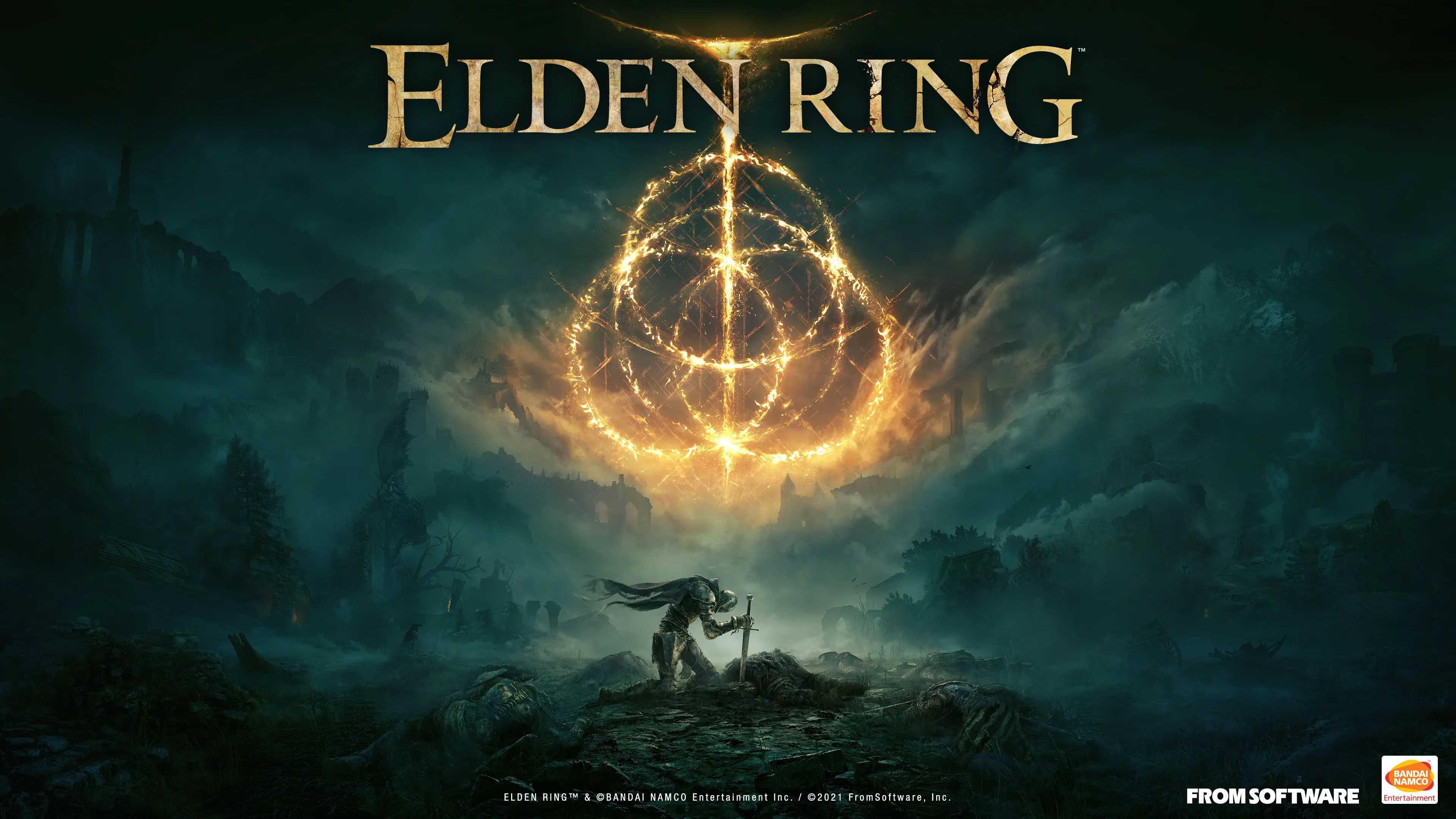
“Keep your feet on the ground, and keep reaching for the stars.” — advice from the swordsman
Controls are the bridge connecting a soulslike’s “body” and “mind”. Most players don’t lose to a boss because they can’t fight — they lose because they press the wrong key at the decisive moment, or never knew the feature existed. This page breaks down every control in Elden Ring so you can burn each binding into your head.
Key Bindings Overview#
The game supports both keyboard-and-mouse and gamepad, and the gamepad layout differs between platforms. Below are the default bindings for PC (keyboard and mouse) and common controllers.
Default PC Keyboard and Mouse Bindings#
| Action | Key | Notes |
|---|---|---|
| Move | WASD | Character movement |
| Camera | Mouse | Rotate the camera |
| Light attack | Left mouse button | Main-hand light attack |
| Heavy attack | Right mouse button | Main-hand heavy attack, can be charged |
| Guard | Ctrl | Block with a shield |
| Roll/Sprint | Shift | Tap to roll, hold to sprint |
| Forward lunge/Step | Space | Quick repositioning |
| Jump | E | Can be combined with rolling |
| Interact | F | Pick up, talk, rest at Sites of Grace |
| Use item | R | Use the item in the quick slot |
| Use flask | Q | Drink the Sacred Flask |
| Ash of War | Keyboard shortcut | Depends on settings |
| Lock-on | Tab | Lock on / switch target |
| Switch spell | Scroll wheel/number keys | Switch equipped slots |
| Open map | M | World map |
Note: Nearly every key on PC can be rebound in the settings; strongly consider binding “Ash of War” to a comfortable spot.
Default Gamepad Bindings (Xbox Controller Example)#
| Action | Button | Notes |
|---|---|---|
| Move | Left stick | Direction |
| Camera | Right stick | Camera |
| Light attack | RB | Right-hand light attack |
| Heavy attack | RT | Right-hand heavy attack |
| Guard | LB | Left-hand guard |
| Kick/Ash of War/Heavy combo | LT | Depends on weapon grip |
| Roll | B (or A depending on settings) | Dodge |
| Jump | A | Jump |
| Interact | Y | Pick up/talk/rest at Sites of Grace |
| Use item | X | Use an item |
| Use flask | Square/Circle | Depends on settings |
| Lock-on | Right stick click | Lock the target |
| Map | Menu button | Open the map |
Core Combat Controls#
Attacking#
- Light attack: fast, low stamina cost, low damage; used for combos and probing.
- Heavy attack: slow, high stamina cost, high damage; some heavies can be charged, and a full charge adds extra poise damage.
- Running attack: light/heavy attack while moving; quick startup, great for closing in.
Guarding and Blocking#
- Shield guard absorbs most physical damage, but it drains stamina, and some attacks still chip HP through.
- Perfect Block: press guard the instant an attack lands to deflect at zero stamina cost and open a critical-hit opportunity (against some enemies).
Rolling and I-Frames#
- Rolls grant brief invincibility frames (I-frames) at the moment of the roll, used to dodge damage.
- Rolls are directional; the stick controls which way you roll.
- Equip Load affects roll speed: light rolls are fast, heavy rolls are slow with recovery lag. Keep your load at “medium” or below.
Lock-On (Target Lock)#
- Locked onto a single enemy, your character automatically faces the target and the camera follows.
- Switch targets: right stick / mouse wheel.
- You can disable lock-on to move freely; veteran players often do.
Ash of War#
Ashes of War are special skills equipped onto weapons, and they are among the game’s core combat resources.
| Action | Effect |
|---|---|
| Cast Ash of War | Spend FP (mana) to unleash the weapon skill |
| Switching | Bind a hotkey in the settings |
| Ash types | Strikes, war cries, thrusts, blocking counters, and more |
Different Ashes of War provide different skills and affinities, and can be swapped at the blacksmith.
Mounted Combat (Torrent)#
Once you mount Torrent, combat controls change:
| Action | Notes |
|---|---|
| Summon Torrent | Use the Ram’s Horn (Rowa) item in the item slot |
| Mounted movement | Left stick + auto-acceleration |
| Double jump | Use the jump button in combat |
| Mounted attack | Light/heavy attacks still work while mounted |
| Mounted guard | Shield guard is available |
| Dismount | Use the summon item again |
Mounted combat is very effective against groups and chases, but yields limited returns against highly mobile single-target bosses.
Interface and HUD#
Knowing the HUD helps you track combat information in real time:
| HUD element | Position | Meaning |
|---|---|---|
| HP (health bar) | Bottom left | Health points |
| FP (mana bar) | Bottom left | Energy for spells/Ashes of War |
| Stamina | Bottom left | Shared by attacks/guard/rolls |
| Rune count | Middle left | Currently held runes |
| Quick slots | Bottom | Item/Flask switching |
| Equipment slots | Bottom | Weapon/off-hand switching |
| Map | Top right | Open the world map |
| Buff/mail alerts | Top right | Game notifications |
Practical Control Tips#
| Tip | Notes |
|---|---|
| Wall hop | Jump + forward clears low walls and windows |
| Double jump to high ground | Torrent’s double jump is an exploration godsend |
| Jump attack | Deals extra poise damage; excellent against big enemies |
| Fast walk/slow walk | Control stick deflection |
| Nudging to avoid | Fine-tune position without alerting enemies |
| Spell/incantation switching | Memorize your most-used spells |
Settings Recommendations#
| Setting | Recommendation |
|---|---|
| Lock-on assist | Recommended for beginners |
| Camera speed | A bit faster feels more responsive |
| Vibration | Enable for key attacks |
| Subtitles | Turn on for a more immersive experience |
| Difficulty | No official difficulty; handled by stats and builds |
Once these controls are drilled into you, you’ll find combat is no longer “button mashing” but “pressing with rhythm”. When you reach that point, you’re no longer the newbie who couldn’t even tell which way a roll would go.
Advanced Controls: Combos and Cancels#
Mastering combos and cancels is the divide between veterans and beginners:
| Technique | Input | Effect |
|---|---|---|
| Light-heavy mixup | Light → light → heavy | Smooth combo |
| Roll cancel | Roll after an attack to cancel recovery | Escape faster |
| Jump poise break | Jump + heavy attack | Stagger quickly |
| Parry into critical | Successful parry → close-range R | High burst damage |
| Mounted charge attack | Mounted combat + C | Chase down fleeing foes |
Advanced Lock-On Usage#
- Lock-on keeps you facing the target, but it also restricts movement.
- Against multiple enemies, switch locks (right stick) and break them down one by one.
- Against a single fast boss, disabling lock-on for free movement is more flexible.
- Ranged spell builds land hits more easily while locked on.
Camera and Perspective Tips#
| Tip | Notes |
|---|---|
| Re-center view | Re-align with the enemy |
| Zoom out | Watch a wide area |
| Hug corners | Keep the camera from being blocked by walls |
| Auto tracking | Camera follows a locked-on enemy |
Common Misclicks Summary#
| Mistake | Consequence | Fix |
|---|---|---|
| Accidental Ash of War | Drains FP | Learn the hotkeys |
| Wrong block while dual-wielding | Lose shield guard | Know your grip |
| Accidental dismount | Cancels mounted combat | Be deliberate |
| Wrong roll direction | Roll into the attack | Check your facing |
| Wrong item press | Wastes flasks | Trim your quick slots |
Closing#
Controls are a matter of practice. Get familiar with the bindings in a safe starting area first, then take on harder enemies step by step. Once the loop of “roll, perfect block, poise break, critical” is carved into muscle memory, you’ll find you’ve become a true warrior. May every keypress swing out the sword light you intend.
Unifying Principles of the Control System#
Whether you play keyboard-and-mouse or controller, a few control principles are universal:
- Frequent actions stay close: high-frequency actions like rolling, attacking, and drinking belong in the most comfortable spots.
- Dedicated Ash of War key: don’t share it with other actions to avoid misfires.
- Easy lock-on key: lock-on is a constant combat action and must be convenient.
- Keep reserves: always remember to save stamina to roll; never empty the bar.
About Accessibility#
The game has some accessibility features that improve the experience:
| Feature | Notes | Recommendation |
|---|---|---|
| Subtitles | Show dialogue | On |
| Ambient sound | Atmosphere | On |
| Vibration feedback | Controller | On for key actions |
| Interaction dot markers | Interaction prompts | On for beginners |
Multiplayer Control Differences#
Online, controls are basically the same, but note:
- In co-op, watch out for stray hits from teammates.
- During invasions stay alert and make full use of the environment.
- In PvP switch flexibly between locked-on and free movement.
Closing#
Drilling controls is the prerequisite for enjoying combat. Swing freely in the starting area first and get used to the rhythm of every binding and action. When you no longer need to think “where is that key”, your hands have truly become a weapon. May your controls flow like water, and your sword follow your heart.