Palworld 1.0: Important Notice on Mod Use#
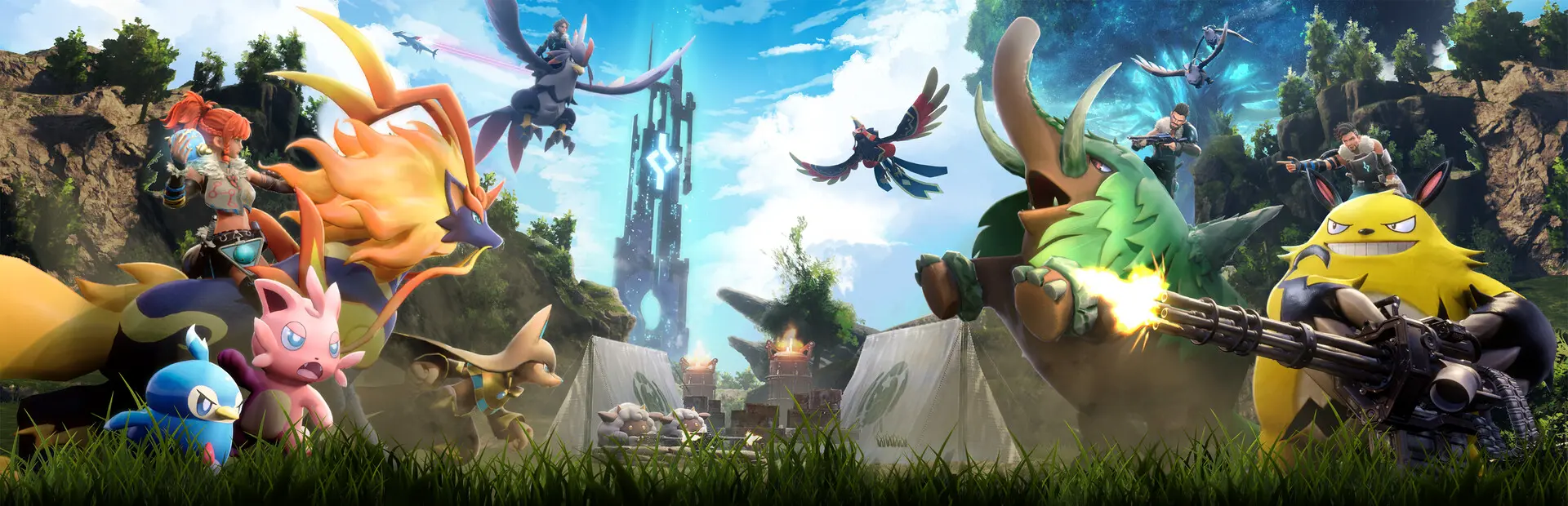
With Palworld’s 1.0 full release now live, the new anti-cheat system and mod rules have set off a wide community debate. Pocketpair has published a notice covering mod compatibility, ban risk, and save safety. Based on the official statement, this article sorts out the questions players care about most and offers concrete, actionable advice.
The Core of the Official Notice#
This notice is not a blanket mod ban; it explains how mods relate to anti-cheat and save safety. The points players most need to watch:
| Warning | Details | Severity |
|---|---|---|
| Disabled does not mean uninstalled | Merely setting a mod to “disabled” in a mod manager does not guarantee game integrity; some mods auto-load leftover files at startup | Important |
| Ban risk online | 1.0 introduces an anti-cheat system; detected game-file modification can lead to restricted online play or a ban | Critical |
| Save corruption | Saves created with mods installed may fail to load after the mods are removed, especially mods that alter item IDs or Pal data | Important |
| Official mod support | Pocketpair confirms official mod support tools are in development, but the exact form and timing have not been disclosed | Info |
The core tension in the notice: on one side, the studio encourages creation and clearly intends to build an official mod ecosystem; on the other, the anti-cheat system places strict limits on file-level modifications. How the two balance out in the 1.0 stage is exactly what the community is arguing about.
The Mod Community Right Now#
Judging by community-level feedback, players are generally cautious about mod compatibility in 1.0. Most mod authors need to re-adapt to the changed file structure after the update, and the anti-cheat system has forced some players to choose between online play and cosmetic mods.
| Metric | Before 1.0 | After 1.0 | Change |
|---|---|---|---|
| Nexus Mods total mods | 4,200+ | 4,380+ | New 1.0-related mods added |
| Steam Workshop mods | 1,800+ | 2,050+ | Still growing |
| Most popular mod type | Pal appearance swaps | Utility mods | Players trending conservative |
| Ban reports | Very few | Rising | Clearly up once anti-cheat took effect |
Note that growth in mod counts does not mean every mod works in 1.0. Some older mods broke on the core file changes; confirm compatibility with the current version before enabling anything.
The Mod Types Most Affected#
Different mods intrude on game files to different degrees, and their risk levels differ accordingly. The table below helps you judge whether the mods you are running are safe:
| Mod type | Risk level | Notes | Advice |
|---|---|---|---|
| Pure skin swaps | Safe | Do not touch core game files | Fine to use |
| UI overhauls | Safe | Only modify interface files | Fine to use |
| Utility mods | Low risk | Some may touch config files | OK offline; disable online |
| Pal data edits | High risk | Alter Pal stats, skills, evolution conditions | Not recommended in 1.0 |
| Item additions | High risk | Custom items can desync data | Must be fully uninstalled |
| Cheats | Forbidden | Memory edits, speed hacks, wallhacks | Instant ban |
| Maps and coordinates | Low risk | Do not affect other players’ data | OK offline |
The risk gradient is clear: the closer a mod is to “purely visual,” the safer it is; the closer it gets to stats and data layers, the more likely it trips anti-cheat or corrupts saves. The pattern is especially sharp in multiplayer.
How to Uninstall Mods Properly (and Avoid Save Corruption)#
Many players hit unloadable saves after removing mods, and the cause is usually “disabled but not deleted” mods or leftover config files. Following the order below minimizes save problems:
- Delete the mod folders manually — do not rely on your manager’s disable function; go into the game install directory and documents directory and remove the relevant mod folders completely
- Clean the Steam version’s game directory — check the install path for leftover files injected by mods
- Check the game documents directory — confirm there is no extra data generated by mods in your documents folder
- Delete config files — clear configs written by mods, such as
Palworld\Saved\Config\Windows\ModSave.ini, so stale settings cannot affect future launches - Restart the game — confirm the mod list is empty at launch and nothing auto-loads
- Test loading your save in single-player — confirm the save reads fine offline before going back online
One thing comes before all of this: back up your saves first. Before any large-scale mod operation, manually copy your save files somewhere else so you can roll back if something breaks.
The Official Mod Support Plan#
On the question everyone asks — the progress of “official mod tools” — Pocketpair confirmed in the notice that development of official mod support continues, aiming to give creators a more standardized, safer environment. But the studio has not announced a specific version number or timetable, nor committed to a formal delivery date.
For players, that means third-party mods remain in a “gray zone” until the official tools land: they can run, but they may conflict with the anti-cheat system. The community broadly believes that once the developer formally steps in, installing, uninstalling, and managing mod compatibility will become far more transparent, cutting the odds of wrongful bans and corrupted saves.
As of this writing there is still no launch news on official mod tools; follow the development team’s future announcements rather than judging by unverified roadmaps.
Community Reaction#
Reaction to the notice splits clearly by platform:
| Platform | Main view | Lean |
|---|---|---|
| Reddit community (r/Palworld) | Understands the need for anti-cheat but wants a more transparent process | Mixed |
| Steam forums | Some players rolled back to older builds over mod restrictions | Leaning negative |
| Discord official and author channels | Core mod authors held constructive talks with the dev team | Positive |
| Nexus Mods comments | Most players are accepting the new rules and waiting for official tools | Accepting |
The disagreement boils down to the trade-off between “single-player freedom” and “online fairness.” Single-player players want room to modify freely; online players rely on anti-cheat to keep the environment fair. Official mod tools that serve both ends would be the key to dissolving the tension.
Advice for Players#
Combining the notice with the current compatibility picture, a few concrete pointers for Palworld players:
- Separate single-player from online: offline, low-risk cosmetic mods are usually fine; the moment you go online or competitive, strip out every data-layer modification
- Back up saves before installing anything: copying saves elsewhere is the cheapest, highest-value protection there is
- Download only from trusted sources: avoid mods of unknown origin that may carry malicious file-level changes
- Watch version compatibility: after 1.0, confirm each mod is adapted to the current version before enabling it
- Defer to official notices: for anything about bans, saves, or tool progress, trust Pocketpair’s official channels first — not unverified roadmaps or rumors
Editor’s Take#
Palworld’s notice captures the trade-off a development team makes when a game graduates from Early Access to full release: content freedom versus online safety. Anti-cheat is not a bad thing — but keeping legitimate mod creators and players out of the crossfire is the real test of the studio’s ability.
For players, the safest play right now is holding the line: cosmetics visible, data untouched, saves backed up first. When the official mod tools truly land, then go deep on creation.
This article was written by the NTGame editorial team.