Elden Ring Faded Edition Switch 2 Guide#
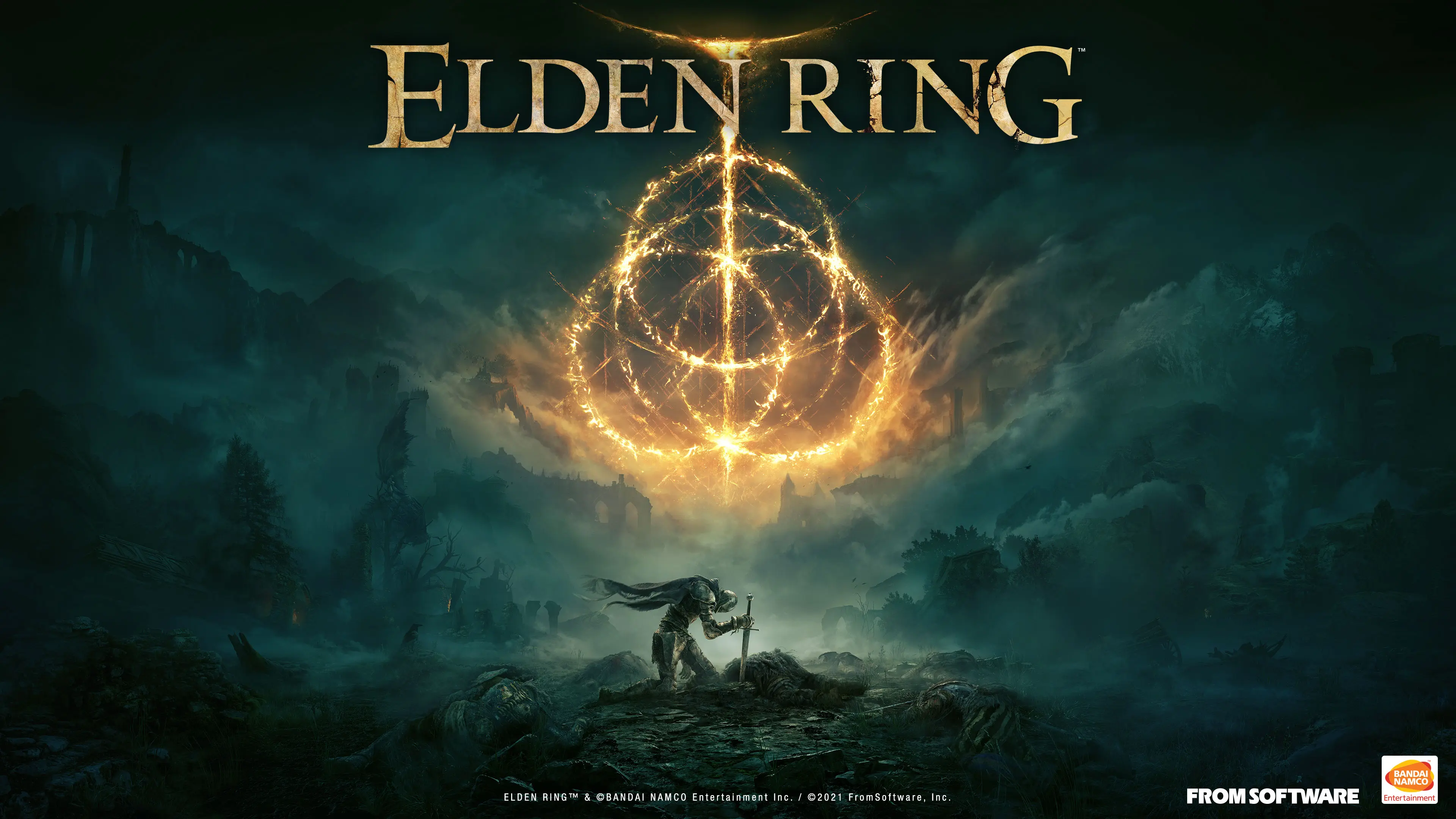
The most exciting headline of the August 28 Faded Edition was Elden Ring finally landing on Switch 2 — the whole Lands Between, in your pocket. This page focuses on what the Switch 2 version plays like, then widens to a full comparison across every platform so you can decide where this adventure should live.
Switch 2: Handheld and Docked Expectations#
The Switch 2 runs in two modes with clearly different performance envelopes. The analysis below is grounded in hardware specs and Elden Ring’s load profile.
Handheld Mode#
| Aspect | Expectation | Note |
|---|
| Visuals | Compromised for portability | Resolution and detail step down versus docked |
| Frame rate | 30fps target | Handheld typically trades image quality for stable frames |
| Portability | The core advantage | Push maps and grind bosses anywhere |
| Battery | Moderate | High-load sessions drain faster |
| Heat | Mind it | Long sessions need ventilation |
Docked Mode#
| Aspect | Expectation | Note |
|---|
| Resolution | Higher | Near console-tier output |
| Frame rate | 30–60fps target | Depends on load and dynamic resolution |
| Visual detail | Better than handheld | A bigger performance budget when docked |
| Feel | Stable | TV plus controller lands close to the console experience |
The Switch 2 Version’s Unique Value#
| Value | Note |
|---|
| Handheld progression | Fragmented time still moves the map |
| Complete content | Same base plus both DLCs as every other platform |
| First time portable | Elden Ring’s debut in Nintendo’s handheld ecosystem |
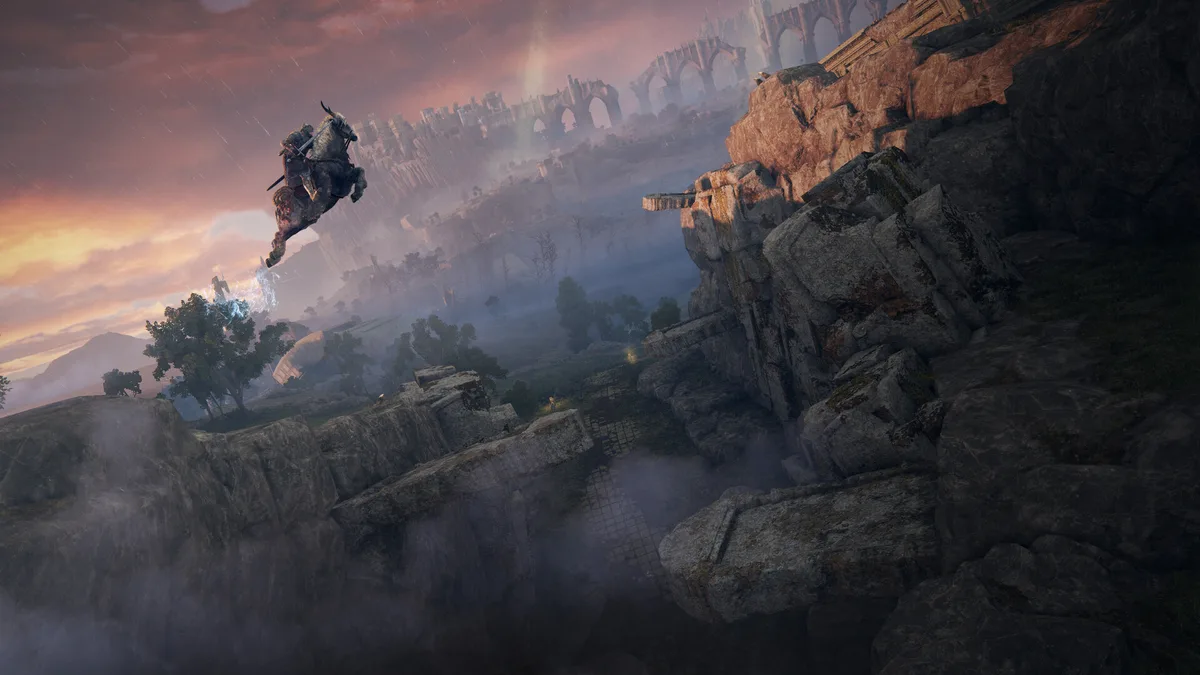
The Faded Edition across every platform at a glance:
| Platform | Max resolution | Target fps | Portable | Visual ceiling | MODs |
|---|
| Switch 2 (handheld) | Lower | 30fps | Yes | Low | No |
| Switch 2 (docked) | Mid-high | 30–60fps | No | Mid-low | No |
| PS5 | 4K-class | 30–60fps | No | High | No |
| PS4 | 1080p-class | 30fps | No | Mid | No |
| Xbox Series X|S | 4K-class | 30–60fps | No | High | No |
| Xbox One | 1080p-class | 30fps | No | Mid | No |
| PC | Uncapped | Uncapped | No | Highest | Yes |
Reading the Comparison#
| Point | Analysis |
|---|
| Switch 2 is the only portable option | Without portability needs, choose console or PC for image quality |
| PC has the highest ceiling | Top-tier GPUs push max settings |
| Consoles are even | PS5 and Series X sit close |
| Legacy consoles compromise | PS4/Xbox One visuals step down clearly |
Saves and Migration#
Whether progress can move between machines is a perennial concern. The general picture (exact policies per official announcements):
| Scenario | Support |
|---|
| Different accounts, same platform | Usually per platform policy |
| Console upgrade | Typically via cloud saves/backup |
| Reinstalling | Saves persist; progress is safe |
| Direction | Support |
|---|
| PC ↔ console | Usually isolated; saves stay put |
| Console ↔ console | Usually isolated |
| Switch 2 ↔ elsewhere | Usually isolated; restart from zero |
If you buy the Switch 2 edition and also plan to play elsewhere, assume saves are independent per platform. Switching usually means starting over — verify the official save policy before you commit.
Crossplay Situation#
Multiplayer is a pillar of Elden Ring, and how far crossplay opens shapes the platform decision.
| Multiplayer form | Intra-platform | Cross-platform |
|---|
| PS5 ↔ PS4 | Supported | One ecosystem, interoperable |
| Xbox Series X|S ↔ Xbox One | Supported | One ecosystem, interoperable |
| PC ↔ console | — | Usually no crossplay |
| Switch 2 ↔ other platforms | — | Depends on official policy |
Multiplayer Takeaways#
| Point | Note |
|---|
| Ecosystem first | Microsoft/Sony pools usually interconnect within themselves |
| PC stands apart | PC and console matchmaking pools typically stay separate |
| Switch 2 online | Needs a subscription (Nintendo Switch Online) |
| Connection note | Multiplayer features need a network; solo play is fully offline-capable |
Pulling it together into per-scenario advice.
By Need#
| Scenario | Recommended platform | Why |
|---|
| Play anywhere | Switch 2 | The only portable option |
| Peak visuals | PC | Highest ceiling, MODs |
| Stable console | PS5 / Series X | Balanced hardware, mature ecosystems |
| Upgrading consoles | Follow your ecosystem | Progress continues within it |
| Playing with friends | Follow the friends | Same platform, same pool |
By Player Type#
| Player | First pick |
|---|
| Commuters / travelers | Switch 2 |
| Graphics maximalists | PC |
| Living-room console players | PS5 or Series X |
| Both worlds | Switch 2 primary, console copy optional |
Switch 2 vs. Console vs. PC#
| Aspect | Switch 2 | PS5/Series X | PC |
|---|
| Portability | Strong | None | None (handheld PCs aside) |
| Visuals | Mid-low | High | Highest |
| Frame rate | 30fps-class | 30–60fps | Uncapped |
| MODs | No | No | Yes |
| Price | See buying guide | See buying guide | See buying guide |
Quick Answers#
| Question | Short answer |
|---|
| Does the Switch 2 version include all DLC? | Yes — base plus both DLCs |
| Is handheld mode playable? | Yes, with stepped-down visuals and frame targets |
| Can Switch 2 crossplay with others? | Usually no crossplay |
| Can I import saves from other platforms? | Usually no — saves are platform-local |
| Switch 2 or PC? | Portability versus visual ceiling |
Switch 2 Hardware and Controls#
Control Mapping#
| Action | Switch 2 controller | Note |
|---|
| Light/heavy attack | Face buttons | Standard soulslike layout |
| Roll/sprint | Mapped buttons | Remappable |
| Lock-on | Shoulder button | Core combat input |
| Item switching | D-pad | Touchscreen assists in menus |
Screen and Display#
| Aspect | Note |
|---|
| Handheld screen | Moderate size; sharpness rides on render resolution |
| Docked output | TV/monitor supported, visuals step up |
| Touch | Some menus accept touch; combat stays on buttons |
Network Prep#
| Point | Note |
|---|
| Subscription | Multiplayer typically needs Nintendo Switch Online |
| Network quality | Matchmaking depends on connection stability |
| Offline mode | Solo play works fully offline |
- Elden Ring — the base game this comparison serves; wherever you landed, the main walkthrough starts here
- Shadow of the Erdtree — the bundled first DLC, included on Switch 2 as well; scope it before pushing deep
- Elden Ring Nightreign — the co-op spin-off; relevant if crossplay policy is part of your decision
- Bloodborne — a gothic soulslike to sharpen souls reflexes while you wait for the Switch 2 build to install
- Sekiro — Sengoku action with a wholly different build philosophy than the Lands Between