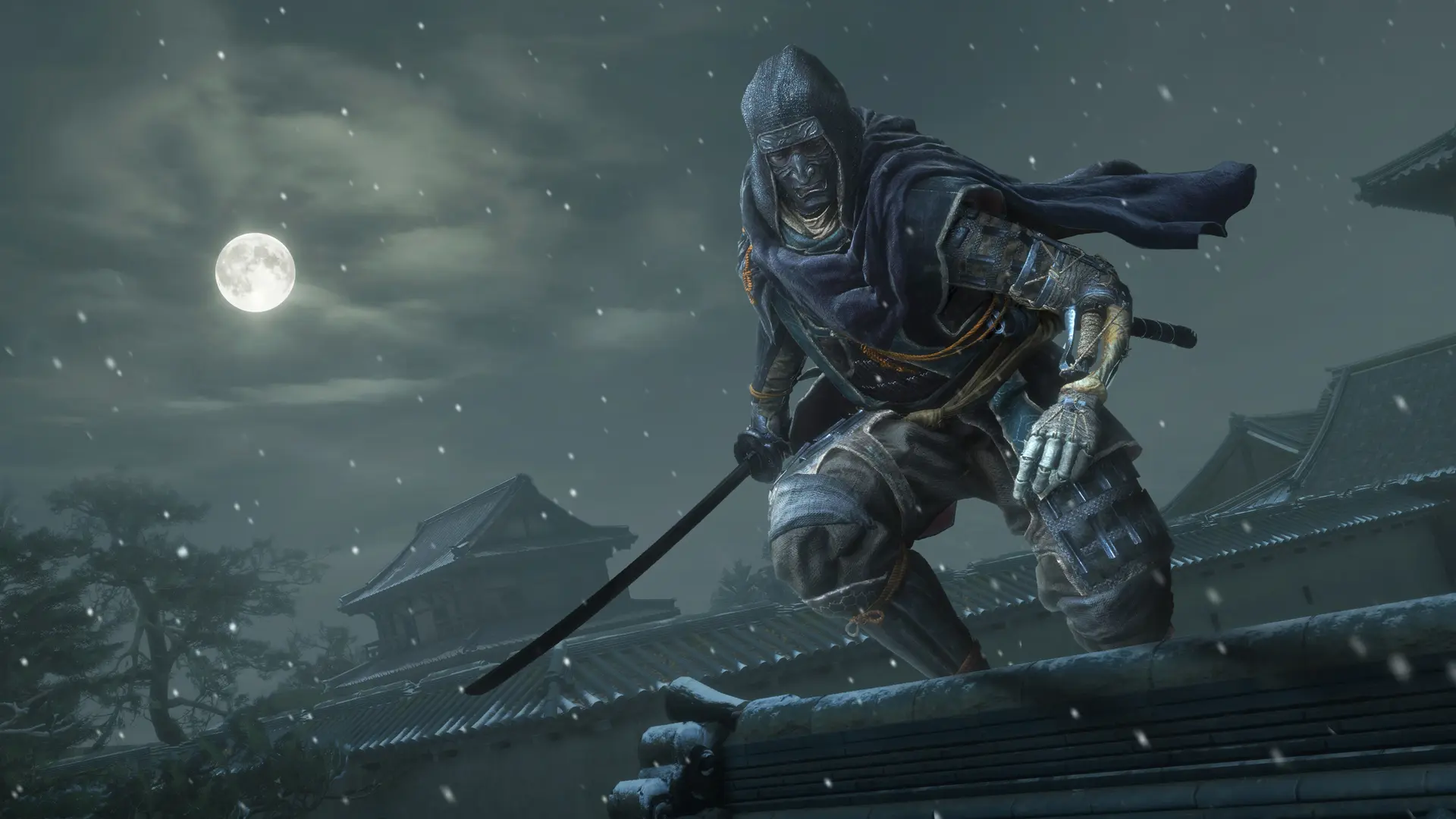
Performance was the single most criticized aspect of this game at launch. The good news: nearly every patch since mid-August has carried performance or quality-option improvements, and today’s tuning headroom is far larger than the day-one build’s.
Official System Requirements#
| Item | Minimum | Recommended |
|---|
| OS | Windows 10 or 11 (64-bit) | Windows 11 (64-bit) |
| CPU | Intel Core i5-8400 or AMD Ryzen 5 3600 | Intel Core i7-12700K or AMD Ryzen 7 5800X |
| RAM | 16 GB | 16 GB |
| GPU | NVIDIA GeForce GTX 1070 (8 GB) or AMD Radeon RX 580 (8 GB) | NVIDIA GeForce RTX 3060 (12 GB) or AMD Radeon RX 6700 XT (12 GB) |
| DirectX | 12 | 12 |
| Storage | 45 GB available | 45 GB available |
| Expected result | ~40 fps at 1080p Low (upscaling on) | ~60 fps at 1080p Medium (upscaling on) |
Graphics Options#
| Option | Status | Advice |
|---|
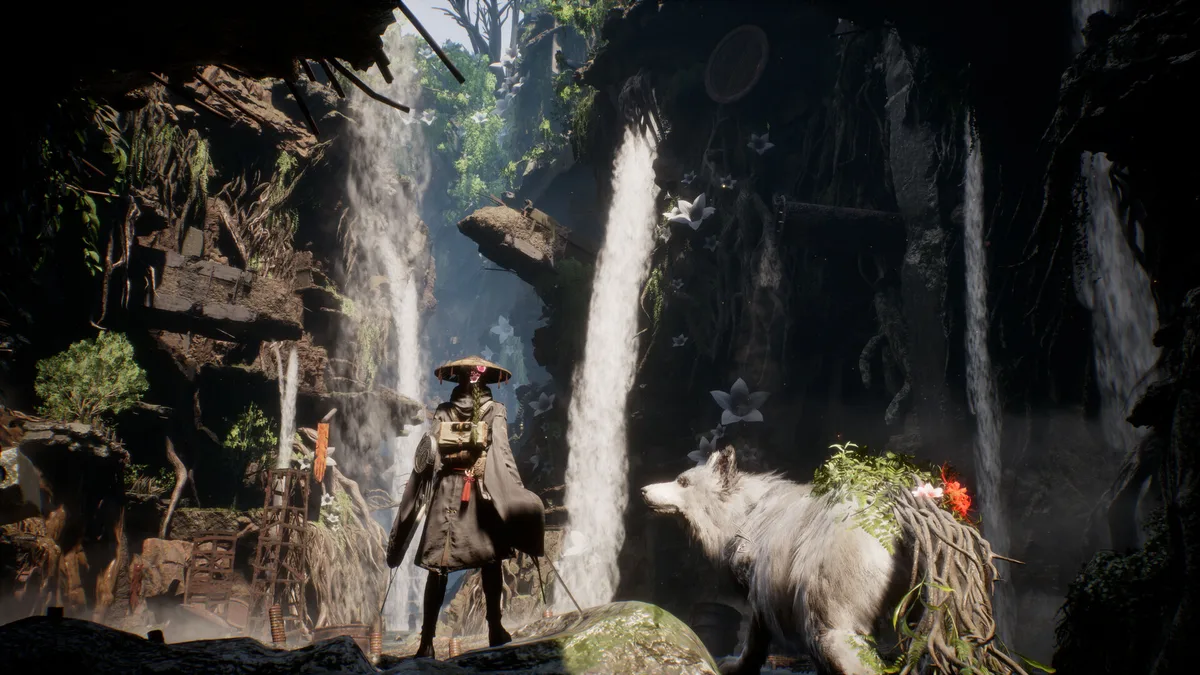
| Upscaling and frame interpolation | Supported for mainstream solutions since August | For stable frame rates, upscaling first; frame interpolation when you have headroom |
| Frame generation | Added in a late-August patch | Clear gains when your base frame rate is low, at the cost of some input latency |
| Ultrawide | Native support added in a late-August patch | Ultrawide users should update to that build before judging |
| Film grain and chromatic aberration | Can be disabled since late August | Turn both off for a cleaner image |
| Camera distance | Near, medium, and far options since August | The too-close day-one camera drew the loudest complaints — set it to far first |
| Cutscene post-processing | Toggleable | Minor frame impact; personal preference |
Two Classic Launch Problems#
| Problem | Explanation | Status |
|---|
| Shader compilation stutter | Common to a new engine the first time you enter a new region | Patched continuously; avoid heavy background loads on a first playthrough |
| Zone-transition hitches | Momentary frame drops while crossing regions | Official patches have reworked event triggers and loading logic |
| Console frame drops | Base consoles wobble in boss fights — a repeated mark in reviews | Later patches included boss-fight optimizations and hit-detection fixes |
| Setting | Note |
|---|
| Auto-lock | The auto-lock default for attacks, parries, and target switching was flipped to off in the August build; enable it manually if wanted |
| Key rebinding | The interact key is freely assignable; side-button mice are supported |
| Subtitle size | Five sizes, applied to events and cutscenes |
| Voice language | Only available in the main menu — it is not in the pause menu |
That last one makes people assume there is “no English voice-over.” There is; the entry point just lives in the main menu.
| Platform | Status |
|---|
| PS5 | Native build; the Japanese physical edition is co-published locally with deluxe-equivalent DLC included |
| Xbox Series X|S | Native build, on Game Pass at launch; cross-progression supported |
| PC | Steam and Microsoft Store; cross-ownership, saves, and achievements sync |
| Handhelds and cloud | Listed for cloud gaming and handheld support; handheld certification status per platform store pages |
If You Can Only Change Three Things#
In this order:
- Push the camera back first. This affects “can I read the enemy’s wind-up” more directly than frame rate does.
- Turn on upscaling second. Treat it as a default-on item, not a rescue lever.
- Consider frame generation last. It buys visual smoothness, not input precision — lower priority than the first two.
Troubleshooting Table#
| Symptom | Common cause | Fix order |
|---|
| Stutter entering a new region | Shader compilation and first-zone loading | Let it run; keep background load light on first visits |
| Persistently low frame rate | Quality preset too high | Upscaling on, then drop shadows and post-processing |
| Blurry image | Upscaling preset too aggressive | Raise the upscaling preset, or soften the resolution scaling |
| Sluggish input | Frame generation adding latency | Turn frame gen off for precision-sensitive fights |
| Resolution reset to default | Early-version bug that reset upscaling settings | Update past the fix and re-confirm settings after restart |
| Subtitles too small | Default size is small | Five subtitle sizes; raise it |
| Can’t find voice language | Unusual menu placement | Voice language lives only in the main menu |
Tuning Priorities#
| Protect this first | Why |
|---|
| Stable frame times | Combat hinges on parry timing — stability beats peak fps |
| The right camera distance | Reading wind-ups keeps you alive; prettiness does not |
| Low input latency | Frame gen adds latency; switch it off for combat |
| Image clarity | Last — it is presentation, not performance |
One line: this is a game where “see it clearly, press it on time” matters more than “look pretty.” Tune by that priority and the experience visibly improves.
Reference by Hardware Tier#
| Tier | Advice |
|---|
| At minimum spec | Low preset plus upscaling; protect frame-time stability, accept visual compromises |
| At recommended spec | Medium preset plus upscaling; try frame generation and judge the latency |
| Above recommended | Raise quality presets; ultrawide users should be on the native-ultrawide build |
Last updated 2026-09-24.